Blog & resources
Guides for sellers, creators and teams
Clear answers on background removal, marketplace photo rules, screenshots and screen recording — with the exact steps in rmvbg.
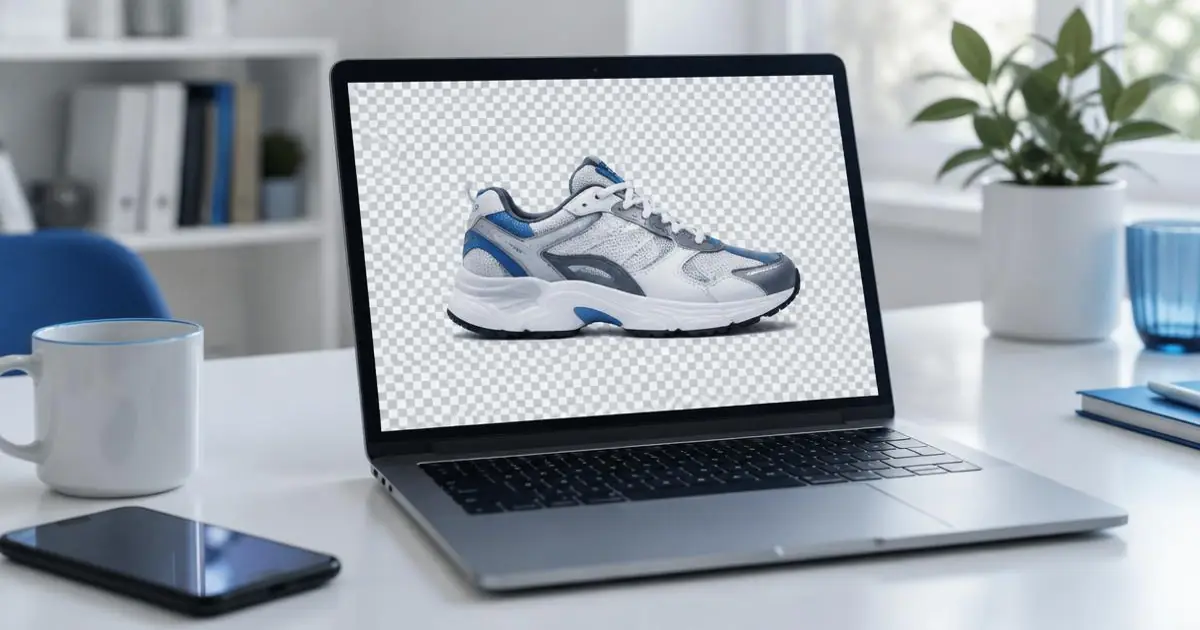
Comparison
The best remove.bg alternatives in 2026 (free and paid)
remove.bg's standalone site closes on 1 Dec 2026. Here are the best remove.bg alternatives — free and paid — compared on price, quality, privacy and batch editing.
7 min read
Problem & fix
remove.bg is closing on 1 December 2026 — what to do now
remove.bg's standalone website closes on 1 December 2026 and moves into Canva. What happens to your credits and API, and how to switch to a free alternative in five minutes.
5 min read
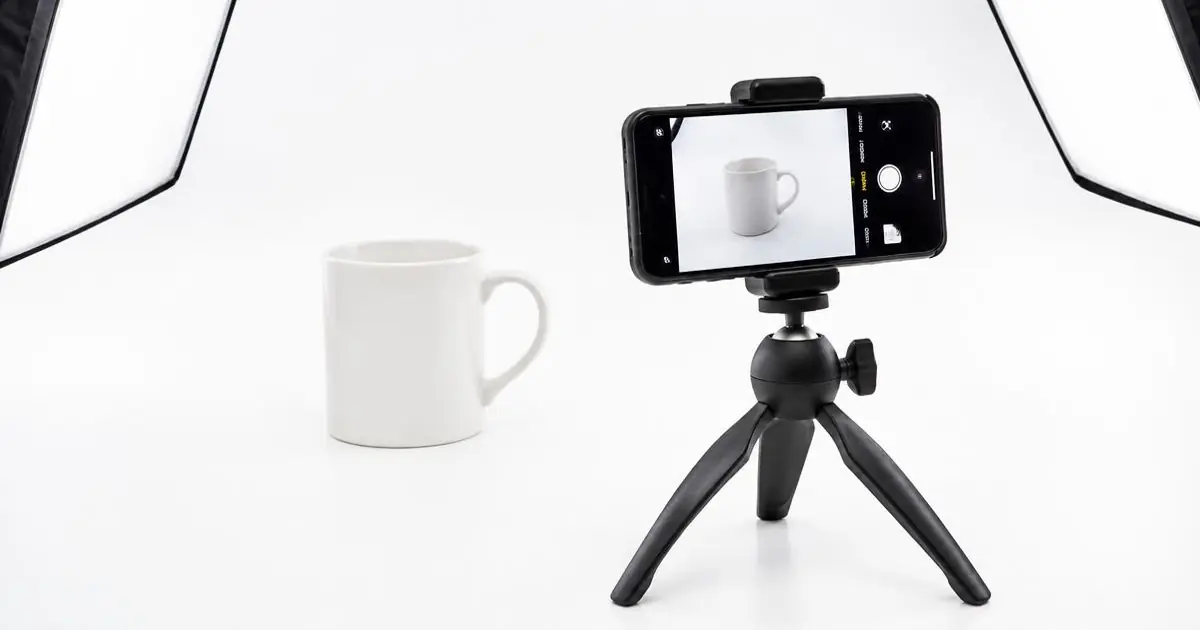
Seller guide
Amazon product photo requirements: white background, size and the 85% rule
Amazon main images need a pure white background (RGB 255,255,255), the product filling 85% of the frame and 1,000+ px for zoom. How to meet every rule for free.
6 min read
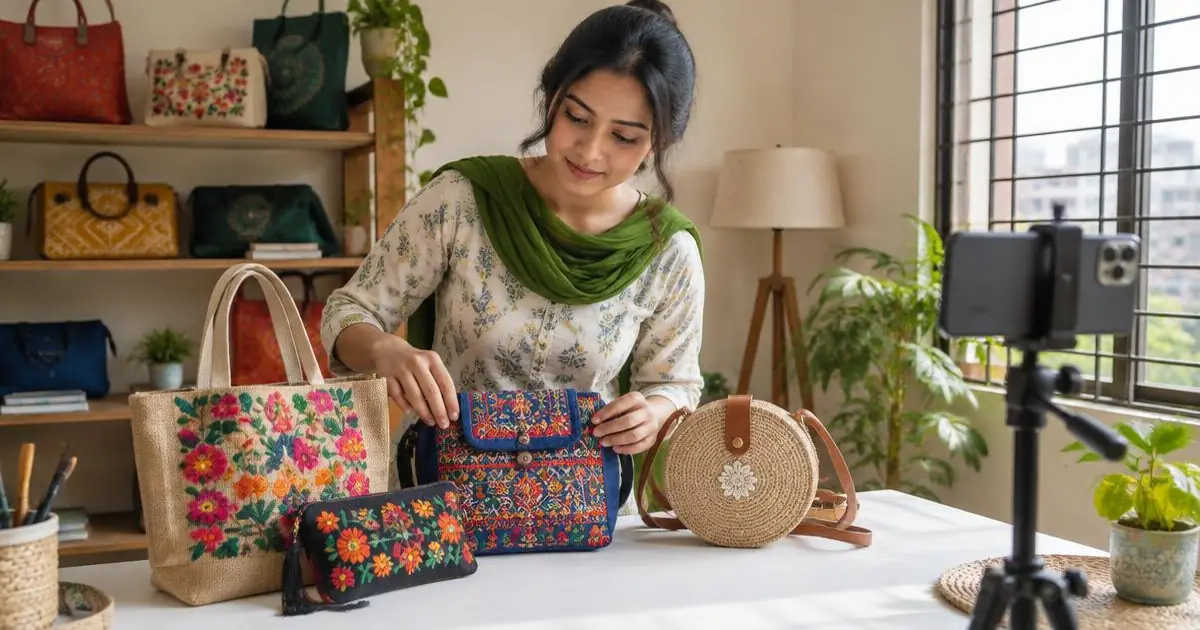
Seller guide
Daraz product photos: size, white background and tips for Bangladeshi sellers
Daraz main images should be square with a pure white background. Get the right size, fix grey backgrounds and batch-make Daraz photos free with rmvbg — built in Bangladesh.
5 min read
How-to
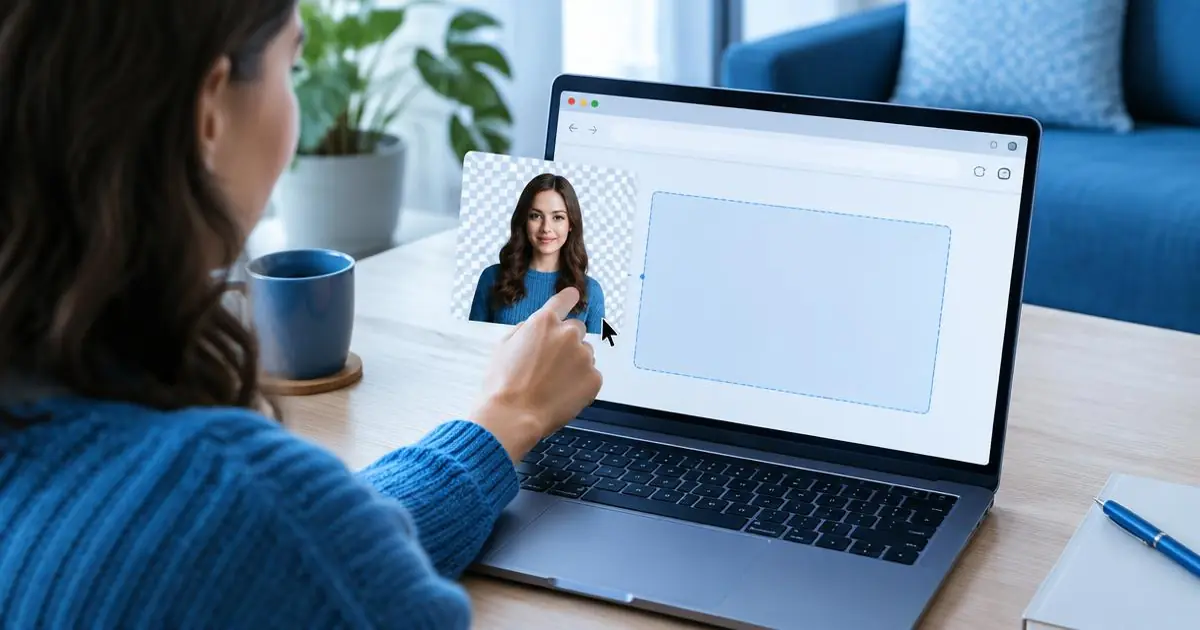
How to remove a background from an image for free (no sign-up, no watermark)
Step-by-step: remove the background from any photo for free, with no account, watermark or upload. Works for people, products, logos and pets, on phone or computer.
4 min read
Comparison
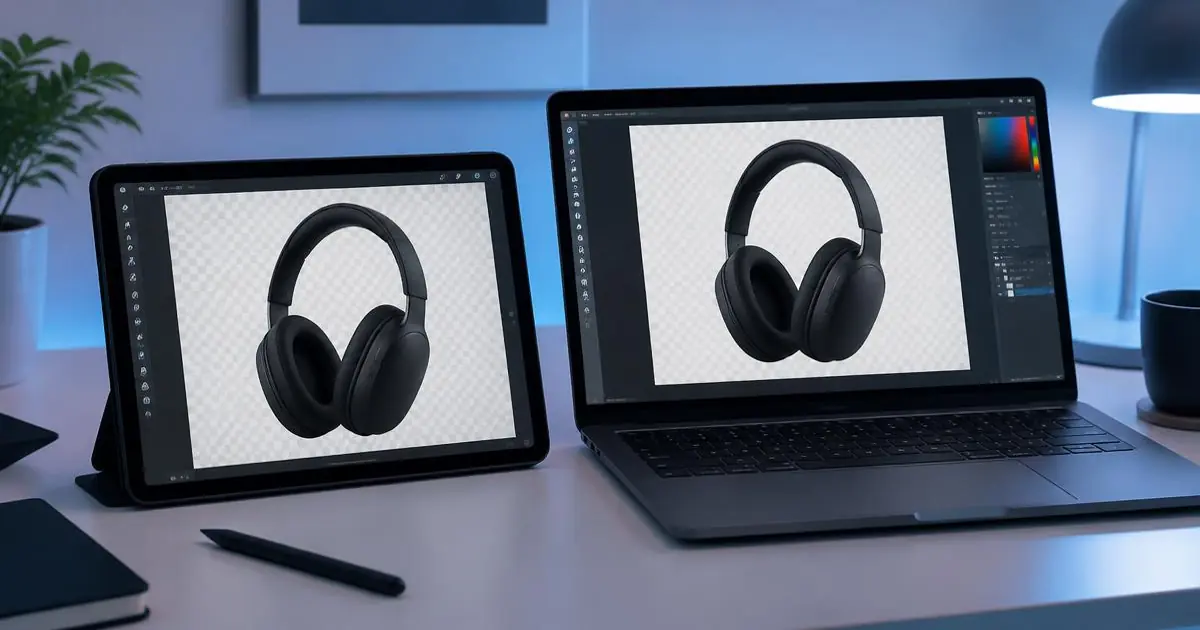
Canva background remover vs rmvbg: which should you use?
Canva's background remover is part of Canva Pro. rmvbg is free with full-resolution PNGs, batches and no upload. When to use each, with an honest comparison.
5 min read
Comparison
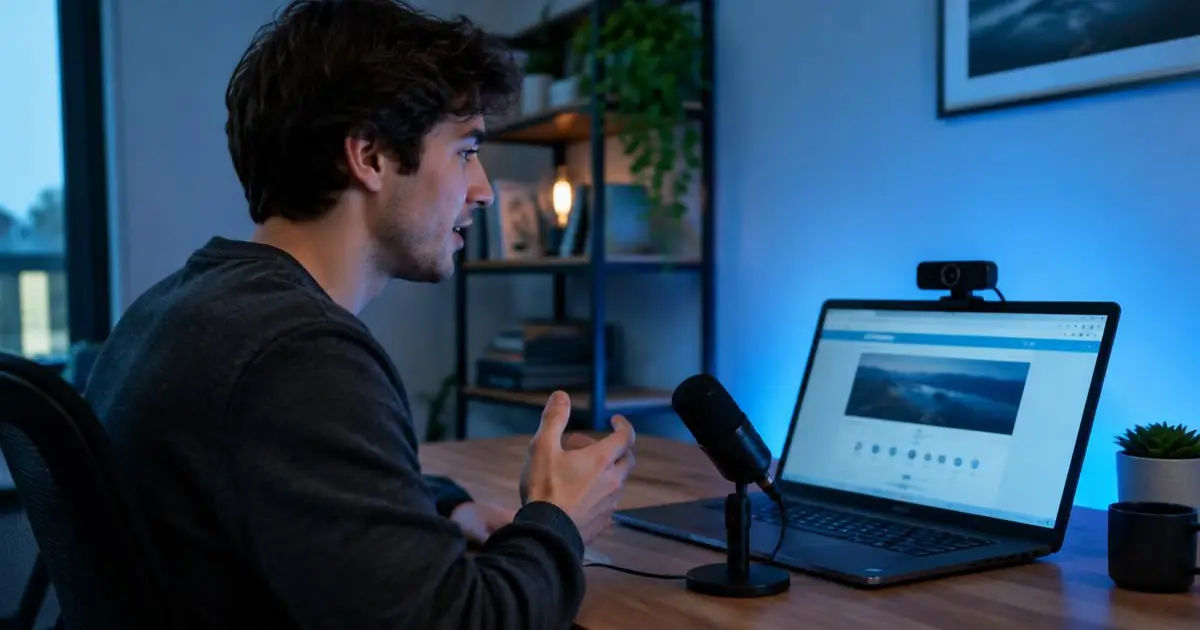
A Loom alternative for Chrome: record, auto-edit and share without the 5-minute cap
Loom's free Starter plan limits recordings to 5 minutes and 25 videos. rmvbg's Chrome screen recorder adds auto subtitles, zooms, privacy blur and share links for $3/month.
6 min read

How-to
How to take a full-page screenshot in Chrome (3 ways)
Capture an entire web page in Chrome: the built-in DevTools command, a one-click extension, and how to annotate, blur or save the screenshot as PDF.
4 min read
Problem & fix
How to blur emails, phone numbers and card details in screenshots automatically
Stop leaking private details in screenshots and screen recordings. Auto-blur emails, phone numbers, addresses, card numbers and API keys before you capture.
5 min read
How-to
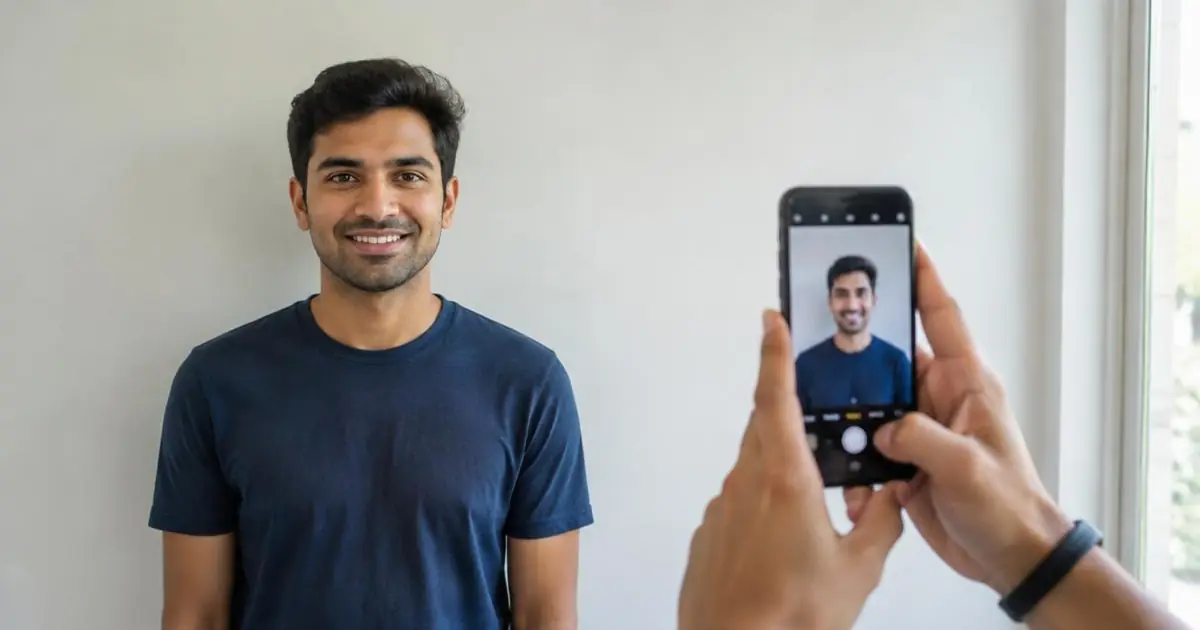
How to make a passport photo at home with your phone
Take a passport or visa photo at home and get the right size and white background free: 2×2 in (US), 35×45 mm (UK, EU), 50×70 mm (Canada) plus a 4×6 print sheet.
5 min read
How-to
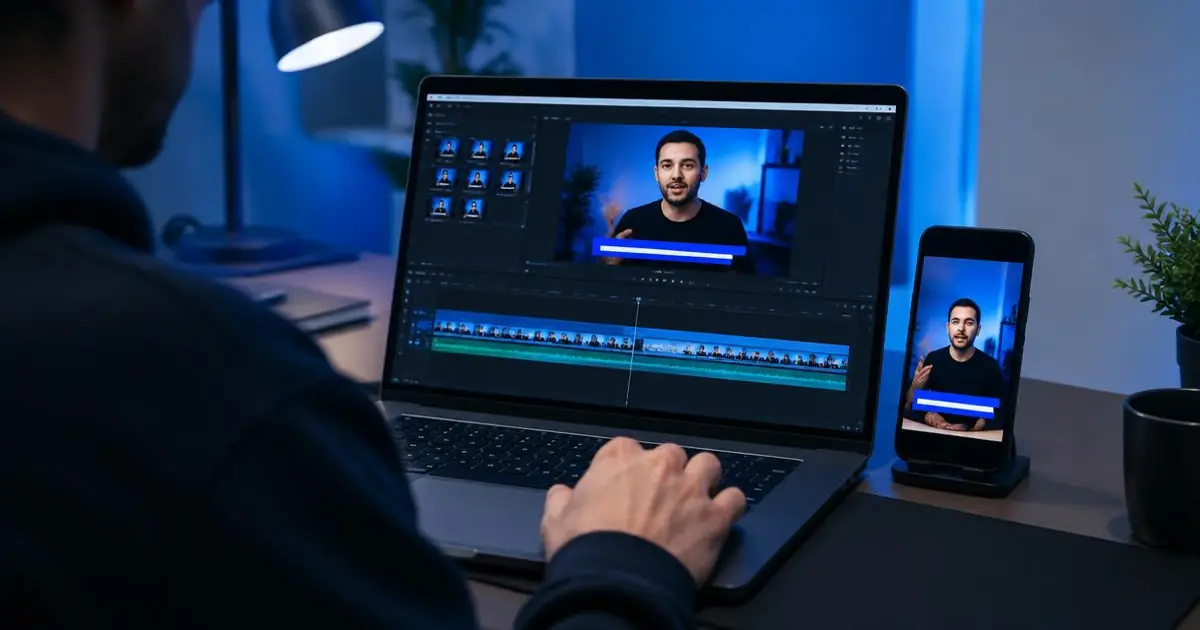
How to add auto subtitles to a screen recording (and resize it for Reels and Shorts)
Most social videos are watched on mute. Add subtitles timed to your voice, choose a style and turn one recording into YouTube 16:9, Shorts/Reels 9:16 and square versions.
5 min read
Problem & fix
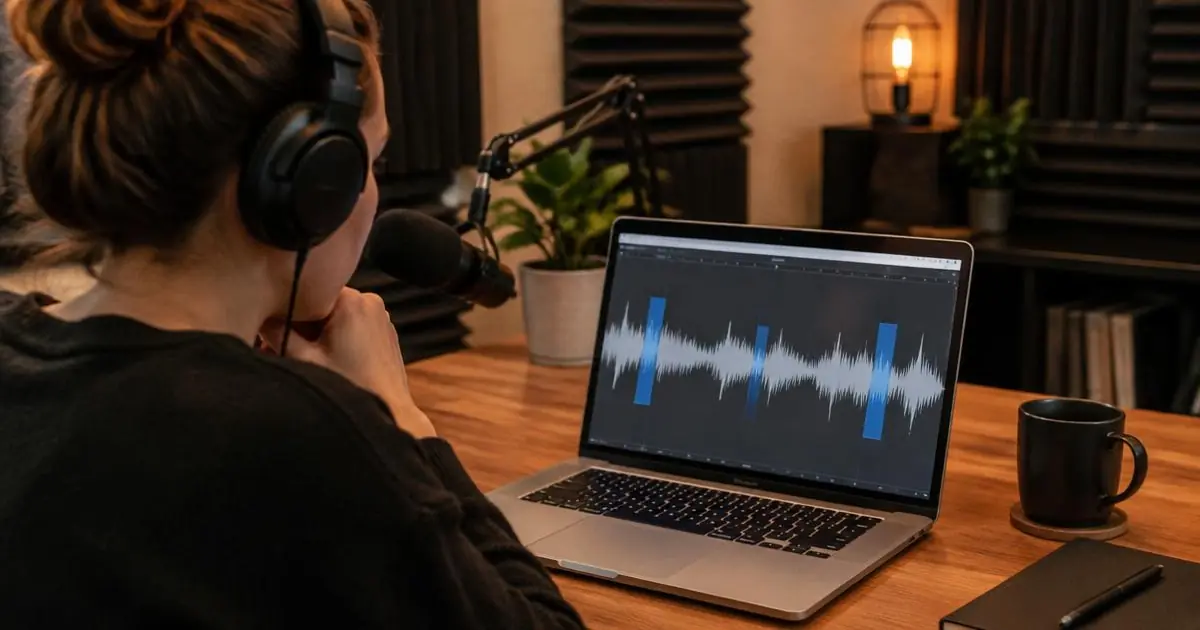
How to remove “um” and “uh” from your videos automatically
Filler words make tutorials and talking videos feel slow. Find and cut “um”, “uh”, “er” and “hmm” automatically, review each cut, and remove long pauses in one pass.
4 min read
Need step-by-step help with a tool? Visit the Help centre.
Try it while you read
Remove a background or make marketplace photos — free, no sign-up.