By Jahed Ahmed, Founder, rmvbg 6 min read
Quick answer
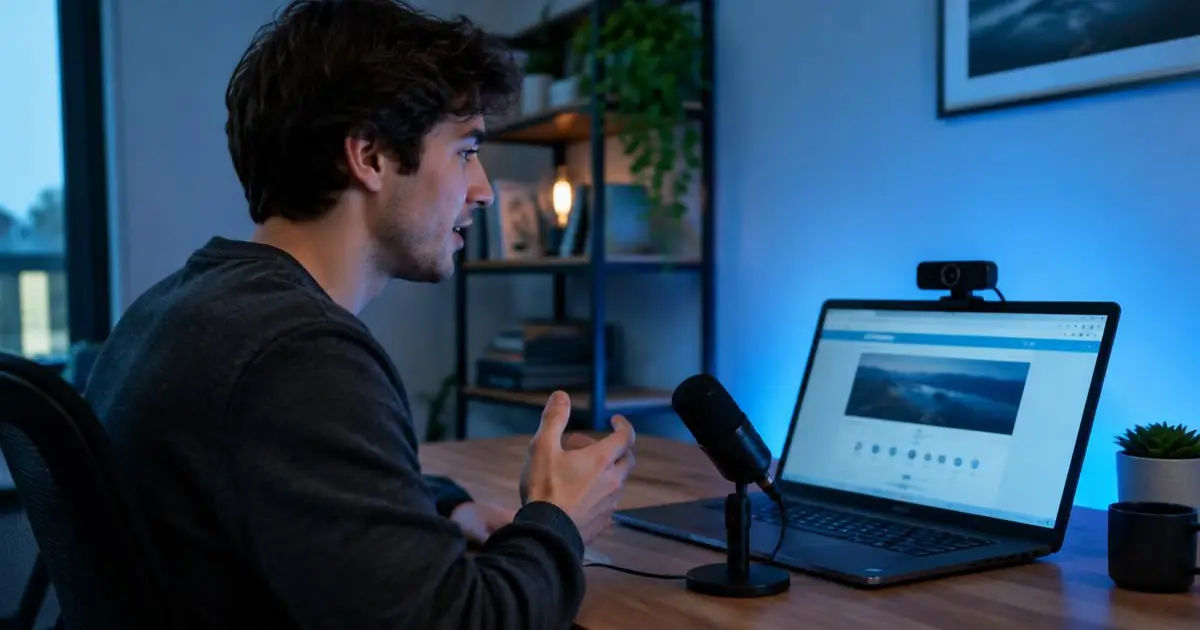
If Loom's free limits (5-minute recordings, 25 videos at the time of writing) slow you down, rmvbg's Chrome screen recorder is an affordable alternative: record a tab, window or screen with camera and mic, auto-edit with subtitles, zooms and privacy blur, then share a private link with comments. Recording is part of rmvbg Pro at $3/month or ৳199.
Loom's free plan at the time of writing
Loom's Starter plan includes up to 25 videos per person and a 5-minute limit per recording; longer videos need a paid plan. That is fine for quick replies, but tutorials, demos and product walkthroughs often run longer.
What rmvbg's recorder does
- Record a tab, a window or the whole screen, with your camera bubble and microphone.
- Choose the shape before you record: YouTube 16:9, Shorts/Reels 9:16, square or 4:5.
- Press M to mark moments — they become YouTube chapters.
- Auto edit in Studio: cut pauses, add subtitles, auto zoom and blur emails or phone numbers.
- Share a private, expiring link where viewers leave timed comments.
Comparison
| Loom Starter (free) | rmvbg Pro | |
|---|---|---|
| Price | Free | $3/month, $24.99/year or $49 lifetime (৳199 / ৳999 / ৳2,999) |
| Recording length | 5 minutes per video | Longer recordings |
| Auto subtitles, zoom & privacy blur | See Loom's plans | Included |
| Prices in taka | No | Yes |
Loom details were checked on loom.com/pricing and Loom's help centre at the time of writing.
Who should switch
Sellers recording product demos, teachers and coaches, support teams and creators who post to YouTube Shorts and Reels. Pro checkout is opening soon — prices are on the Pro page. If you only send a few short clips a month, Loom's free plan may be enough.