By Jahed Ahmed, Founder, rmvbg 4 min read
Quick answer
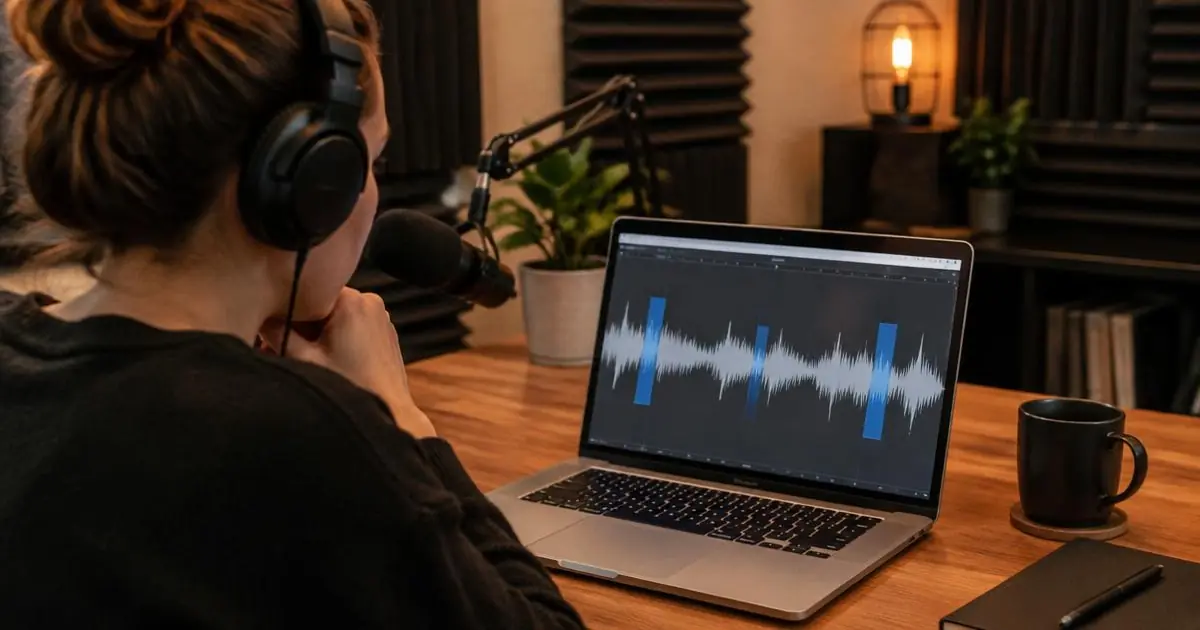
In rmvbg Studio, open a recording, go to Remove filler words and press “Find filler words”. rmvbg listens for short sounds like “um”, “uh”, “er” and “hmm”, lists each one with a preview, and cuts the ones you keep ticked. Add “Cut long pauses” from Auto edit for an even tighter video.
How it works
rmvbg looks for short voiced sounds with quiet on both sides — the shape of a filler word — then checks only those tiny clips to tell real words from fillers. Real words stay; fillers are offered as cuts you can review.
Steps
- Open your recording in Studio.
- In the Cut tab, press “Find filler words” (how it works).
- Play each suggested cut and untick any you want to keep.
- Press “Cut selected”. The cuts are skipped in playback and in the exported video.
Speak with fewer fillers
- Write three talking points and keep them on screen while you record.
- Pause silently instead of saying “um” — pauses are easy to cut.
- Record in short sections and join them later.