By Jahed Ahmed, Founder, rmvbg 5 min read
Quick answer
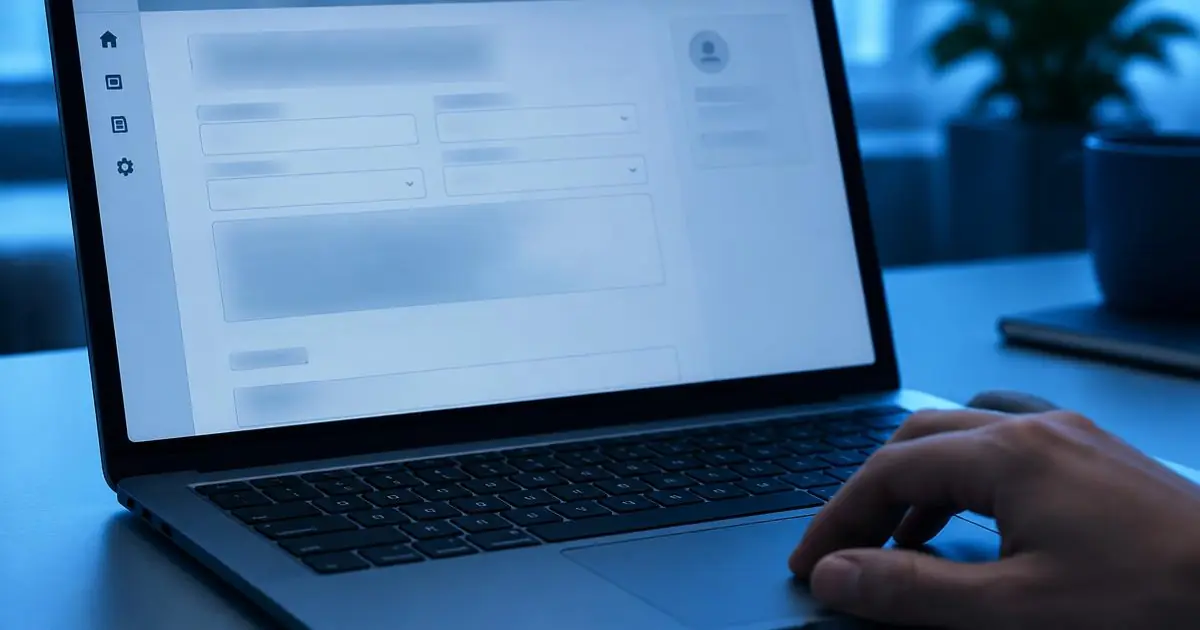
Turn on “Auto-blur private info” in the rmvbg Chrome extension: before each screenshot it covers emails, phone numbers, street addresses, card numbers, API keys and password fields with frosted boxes. Add or adjust blur by hand in the editor, and in rmvbg Studio the Auto edit button blurs private details in recordings too.
Why manual blurring fails
It is easy to miss one email in a sidebar or a phone number in a footer — and once a screenshot is posted in a support ticket, Slack or a tutorial, you can't take it back. Automatic detection catches what you don't notice.
Screenshots: auto blur before capture
- Install the rmvbg extension and open its menu.
- Switch on “Auto-blur private info”.
- Take a visible, area or full-page screenshot — private details are already covered.
- In the editor, use the Blur tool to cover anything else (names, order numbers).
| Detected automatically | Examples |
|---|---|
| Emails | name@company.com |
| Phone numbers | +880 1712-345678, 01712345678, (555) 123-4567 |
| Street addresses | House 12, Road 5, Dhanmondi · 221 Baker Street |
| Card numbers | Valid card numbers (checked with the Luhn rule) |
| Keys & tokens | API keys, access tokens |
| Sensitive fields | Password, card, CVC, address and one-time-code inputs |
Recordings: blur in one click
In rmvbg Studio, open a recording and press “Auto edit now”. It looks at frames from the video, finds private details and adds blur boxes for the right seconds — you can move or delete each one in Draw. This is part of rmvbg Pro.