By Jahed Ahmed, Founder, rmvbg 6 min read
Quick answer
Amazon's main product image must have a pure white background (RGB 255, 255, 255), show only the product, have the product fill about 85% of the frame, and be at least 1,000 pixels on the longest side so zoom works. rmvbg's Product photos tool makes a 2000×2000 white image with the product at 85% automatically.
The main image rules
- Pure white background — RGB 255, 255, 255, not off-white or grey.
- Only the product for sale: no props, text, logos, watermarks or borders.
- The product fills 85% or more of the image.
- At least 1,000 px on the longest side so shoppers can zoom; larger is better.
- A real photo of the product, sharp and in focus.
Secondary images can show the product in use, details and size, but the main image is the one that gets suppressed when it breaks the rules. Always check Amazon Seller Central for your category's current guide.
How to make an Amazon-ready image for free
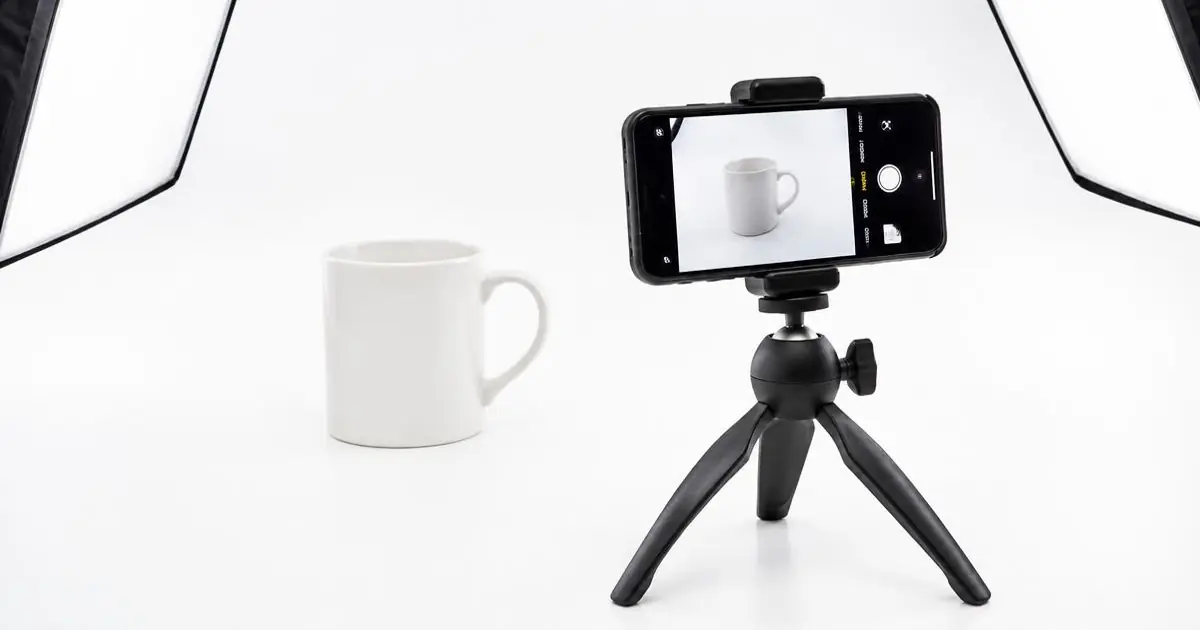
- Shoot the product on any plain surface in soft daylight — the background will be replaced.
- Open Product photos on rmvbg and drop your shots (many at once).
- Choose the Amazon preset: 2000×2000 px, pure white, product at about 85%.
- Check the preview, then download JPG or PNG — the size is in the file name.
Common reasons main images get rejected
| Problem | Fix |
|---|---|
| Background looks grey | Replace it with pure white in Product photos |
| Product too small | Use the 85% preset instead of cropping by hand |
| Shadow or prop in frame | Cut out the product only, then place on white |
| Image under 1,000 px | Shoot closer or with a better camera; the preset outputs 2000 px |
Selling on eBay too? Read our Amazon and eBay photo workflow.