By Jahed Ahmed, Founder, rmvbg 5 min read
Quick answer
Daraz main product images should be square (1:1) with a pure white background and clear, sharp products, at least 1000×1000 px. rmvbg's Product photos tool has a Daraz preset that removes the background, adds white and exports a square image free — it was built in Bangladesh with Daraz sellers in mind.
What Daraz asks for
- Square images (1:1). 1000×1000 px or more stays sharp.
- A pure white background on the main image.
- Only the product, centred and filling most of the frame.
- JPG or PNG, kept small enough to upload quickly.
Always check the latest image guidelines in Daraz Seller Center and Daraz University for your category.
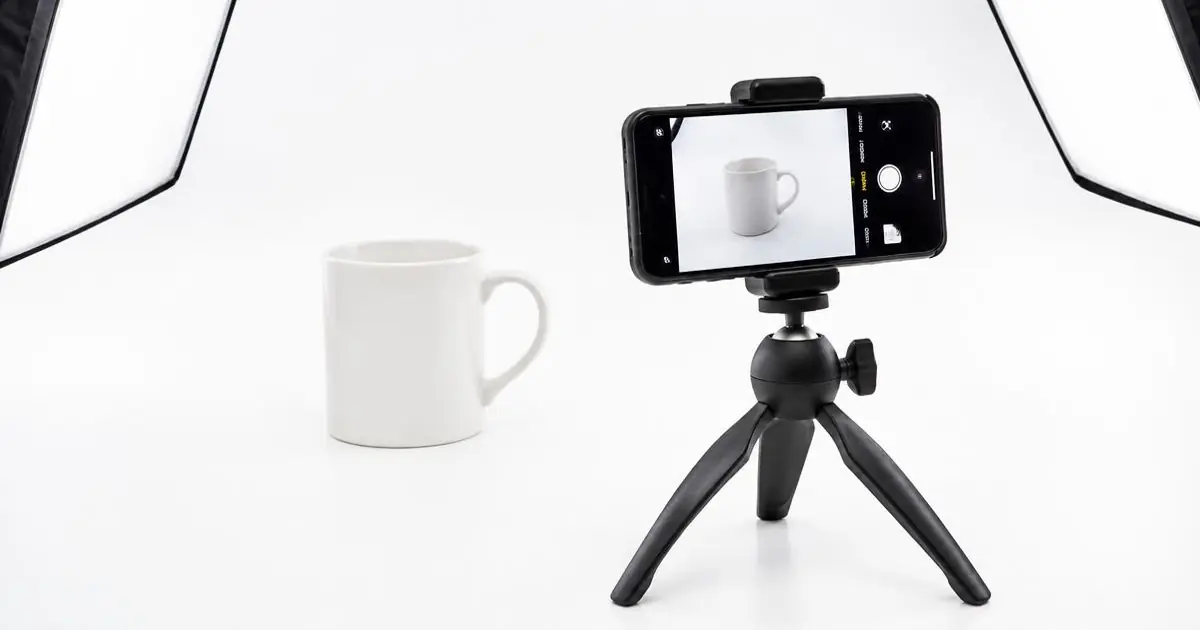
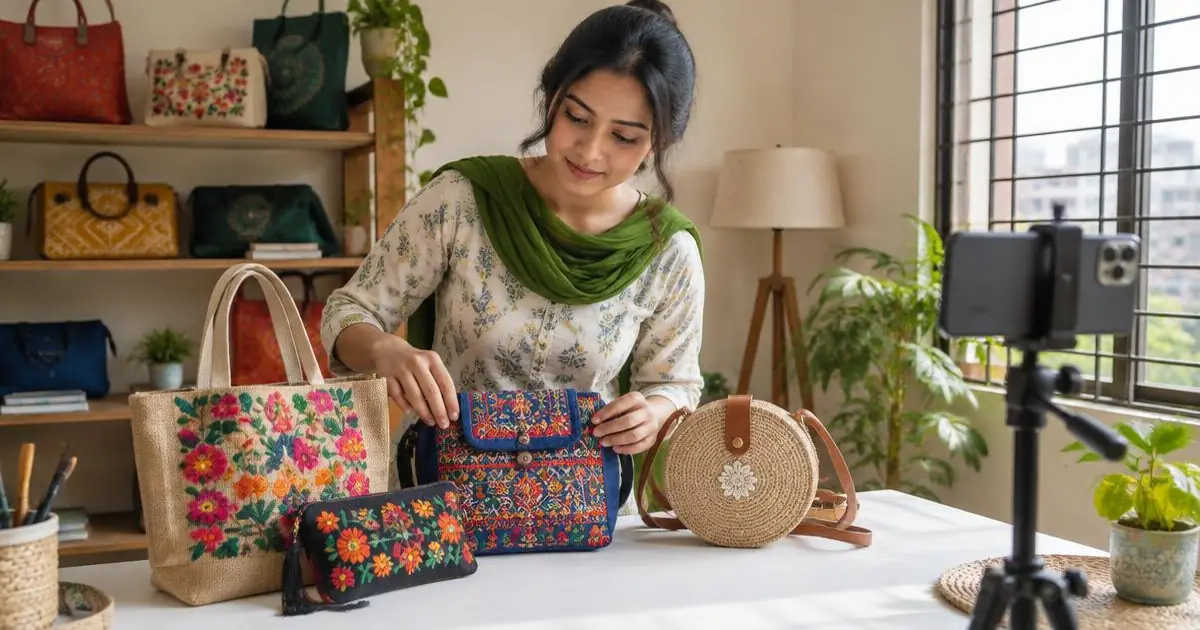
Make Daraz photos with just a phone
- Shoot near a window in daylight; avoid yellow room lights.
- Hold the phone steady (lean on a stack of books if you have no tripod).
- Open Product photos, drop all your shots and pick the Daraz preset.
- Download them all as a ZIP and upload to Seller Center.
Grab photos from your supplier's page
With the rmvbg Chrome extension you can pick photos straight from a web page and send them to Product photos — useful when a supplier shares images on a site. Only use photos you have the right to use.
Made in Bangladesh
rmvbg is built in Bangladesh. The Bangla extension page explains everything in Bangla, and Pro prices are shown in taka.