By Jahed Ahmed, Founder, rmvbg 4 min read
Quick answer
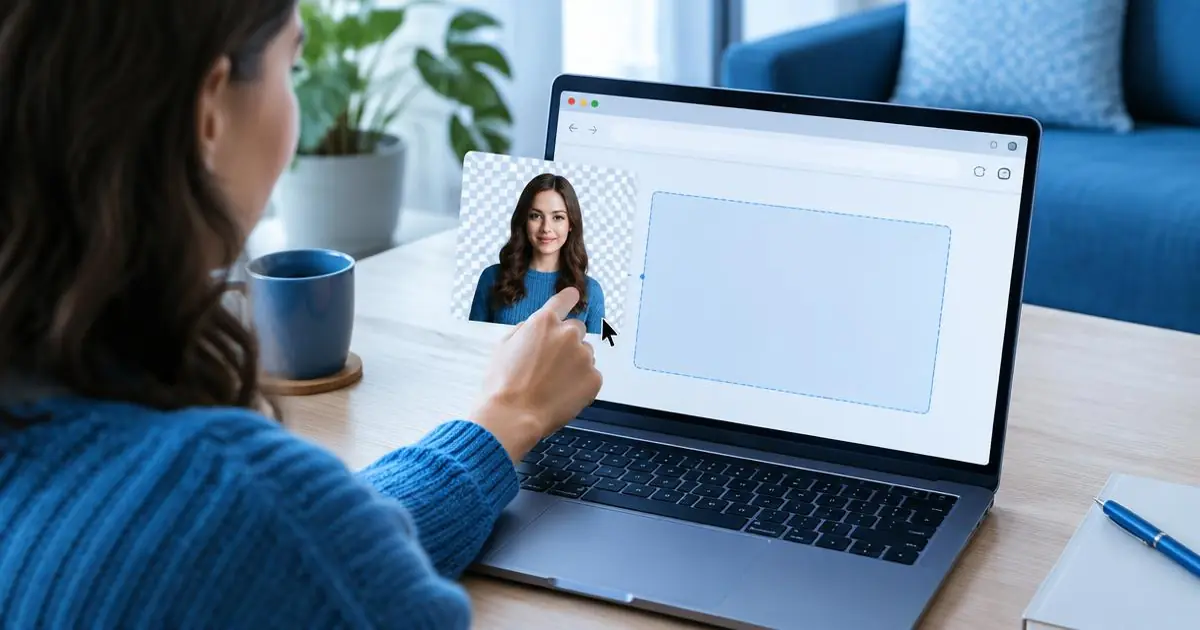
Open rmvbg.xyz, drop or paste your photo, and download the transparent PNG — it is free, needs no sign-up, adds no watermark and processes the photo on your own device. You can also pick a white, coloured or photo background before downloading.
Steps
- Go to rmvbg.xyz.
- Drop a photo, choose one from your files, paste a screenshot with Ctrl+V or paste an image link.
- Wait a few seconds while the AI finds the subject (the first run downloads the model once).
- Drag the before/after slider to check the edges.
- Choose transparent, white, a colour or a photo background, then download.
Tips for cleaner cutouts
- Use the largest photo you have — more pixels give finer hair and edges.
- Contrast helps: a dark product on a light wall, or the other way round.
- For many photos, drop them all at once and download one ZIP.
- On a phone, the same page works in your mobile browser.
Need something specific?
- Transparent PNG for logos and stickers.
- Change background colour to white, blue or any colour.
- Passport photo with the right size and a print sheet.
- Profile picture maker for LinkedIn and social media.