By Jahed Ahmed, Founder, rmvbg 5 min read
Quick answer
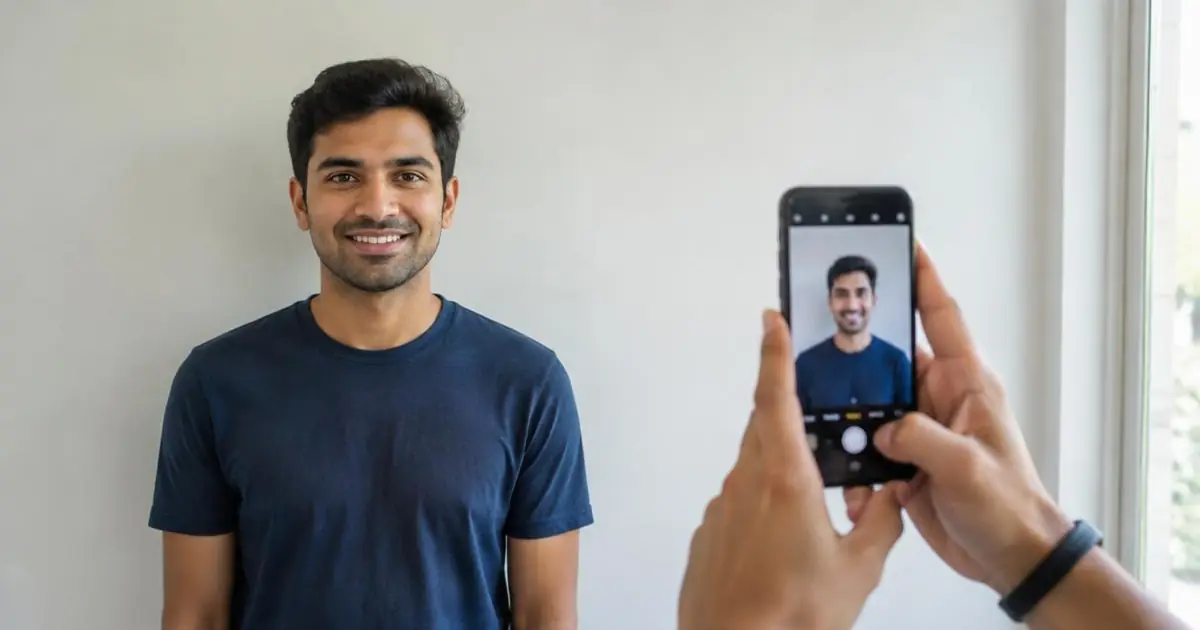
Stand facing a plain wall in daylight, have someone take a straight-on photo from about 1.5 m, then open rmvbg's Passport photo tool: it removes the background, adds white, sizes the photo (2×2 in, 35×45 mm, 50×70 mm or 33×48 mm) and makes a 4×6 print sheet — free.
Taking the photo
- Face a window so light falls evenly on your face; avoid shadows behind you.
- Neutral expression, eyes open, mouth closed, head straight.
- Remove glasses if your country requires it; keep hair away from your eyes.
- Ask someone to shoot from about 1.5 m at eye level — selfies distort faces.
Sizing it
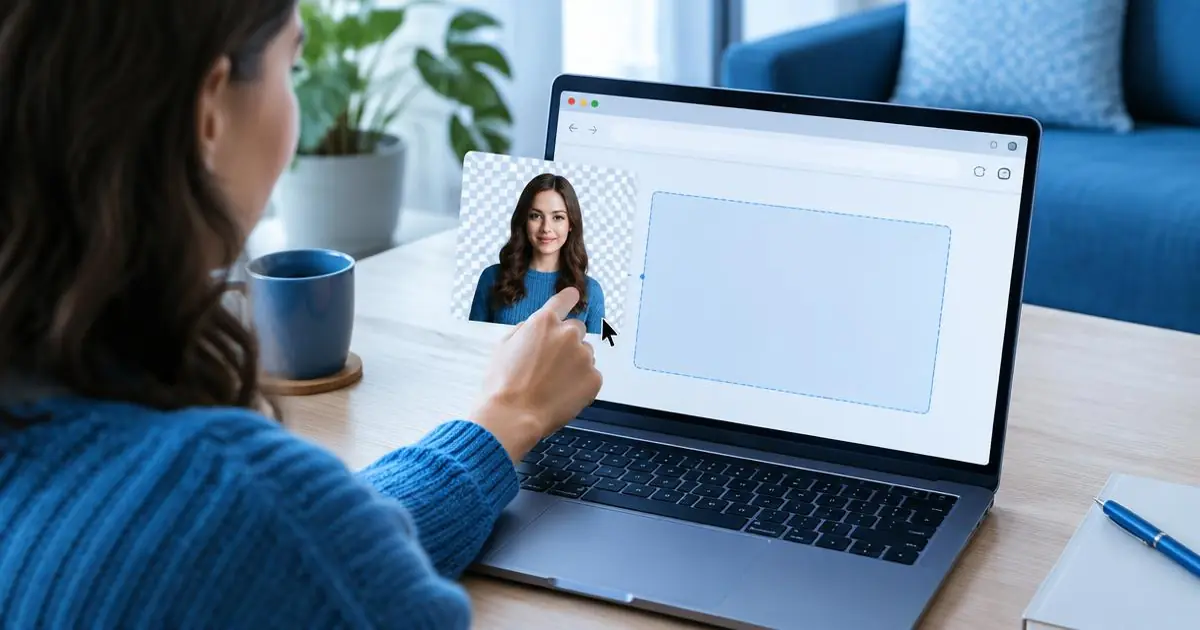
- Open Passport photo and drop your picture.
- Pick the size: 2×2 in (US), 35×45 mm (UK, Schengen/EU, Australia and more), 50×70 mm (Canada) or 33×48 mm (China visa).
- Use the head guides to line up chin and crown.
- Download the single photo for online forms, or the 4×6 sheet to print at any photo shop.
Why this is safer than an app
Your face photo is processed on your own device in the browser — it is not uploaded to a server.