By Jahed Ahmed, Founder, rmvbg 5 min read
Quick answer
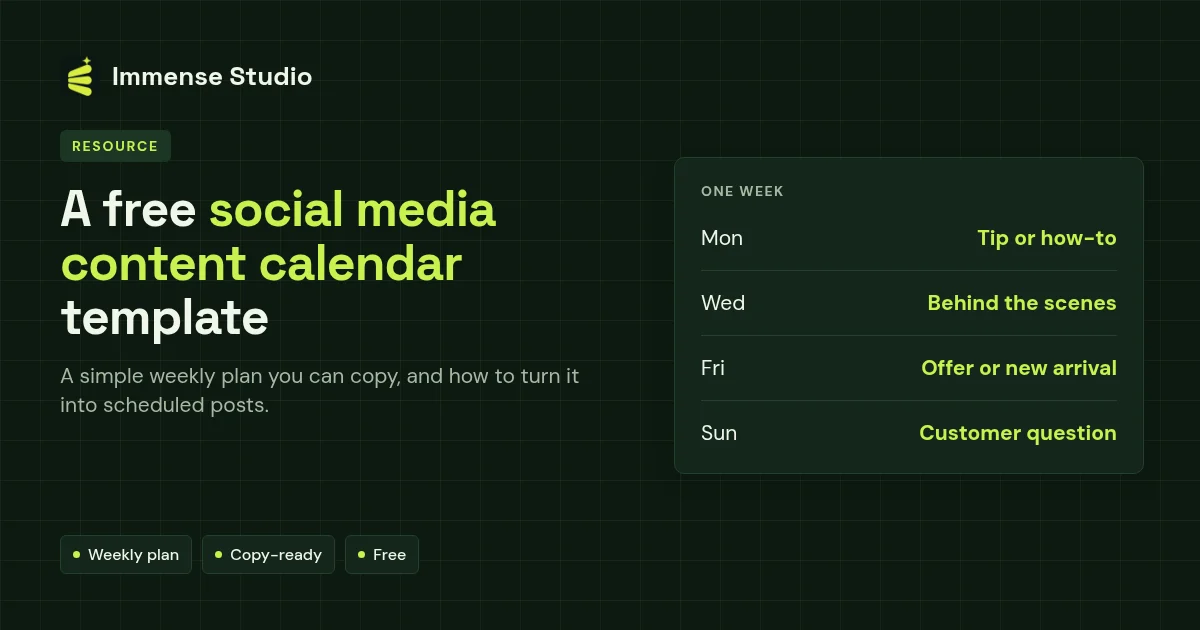
A content calendar is a simple table of what you will post, where and when. Copy this weekly rhythm: Monday a tip or how-to, Wednesday behind the scenes, Friday an offer or new arrival, Sunday a customer question. Fill four weeks at once, then schedule them so they go out on time — in each network's own tool, or in one place with Immense Studio's week and month calendar.
The weekly template
| Day | Post type | Example for a small shop | Channels |
|---|---|---|---|
| Monday | Tip or how-to | How to choose the right size | Facebook Page, LinkedIn |
| Wednesday | Behind the scenes | Packing today's orders | Facebook Page, Threads |
| Friday | Offer or new arrival | New colours this week | Facebook Page, YouTube Short |
| Sunday | Question | Which one should we restock? | Facebook Page, Bluesky |
How to fill a month in one hour
- List four topics your customers ask about.
- Take one photo session for the month; clean the photos with product photos so every post looks consistent.
- Write all the captions in one sitting.
- Schedule the whole month, then only reply to comments day to day.
Turn the template into scheduled posts
Keep the plan in a sheet if you like — or skip the sheet and plan straight on a calendar. In Immense Studio every post sits in its hour on the week view, drafts wait until you're ready, and the month view shows gaps at a glance. See how to schedule social media posts for each network's own scheduler too.