By Jahed Ahmed, Founder, rmvbg 7 min read
Quick answer
You can schedule posts for free inside each network: Meta Business Suite for Facebook Pages (20 minutes to 29 days ahead), LinkedIn's clock button (up to 3 months ahead) and YouTube Studio's Schedule option. That means one app per network. To write a post once and send it to several networks on time, use a scheduler such as Immense Studio: connect your channels, write the post, tick where it goes and pick a time — it is sent from our servers even when your computer is off.
Way 1: each network's own scheduler (free)
| Network | Where | How far ahead (at the time of writing) |
|---|---|---|
| Facebook Page | Meta Business Suite → Create post → Schedule | 20 minutes to 29 days |
| Start a post → clock icon → pick date and time | Up to 3 months | |
| YouTube | YouTube Studio → Upload → Visibility → Schedule | Pick any future date and time zone |
These are free and reliable, but you write the same post several times in several apps, and there is no single calendar showing everything you have planned.
Way 2: one calendar for every channel
- Start the free trial of Immense Studio and press Add new channel. Log in with each network's own button — Facebook Pages, LinkedIn, YouTube, Threads, Bluesky, Mastodon and Discord.
- Press New post, write once and add a picture or video.
- Tick the channels it should go to and see a preview for each.
- Choose Now, Schedule (quick picks like Tomorrow 9 am) or Draft.
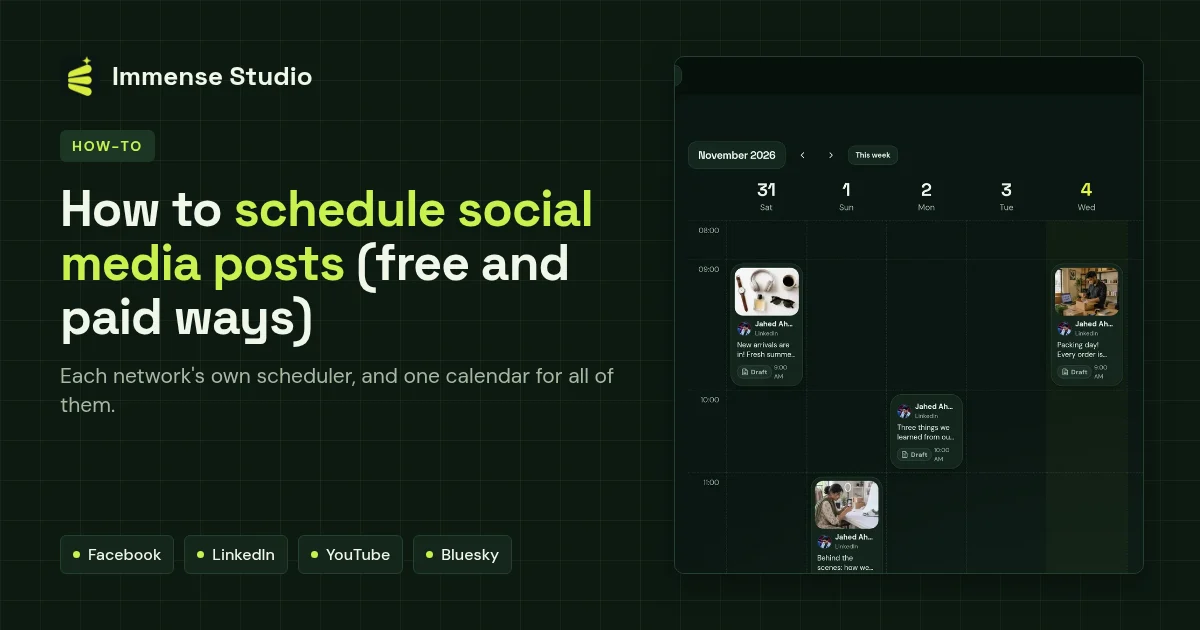
- Your posts sit on a week or month calendar. If one fails, it is marked Needs attention with the network's reason, and Try again sends it only where it failed.
Tips that make scheduling work
- Plan a week at a time — see the free content calendar template.
- YouTube needs a video, and image-first networks need a picture; check each post's preview before scheduling.
- Keep a few evergreen posts as drafts to fill quiet days.