By Jahed Ahmed, Founder, rmvbg 5 min read
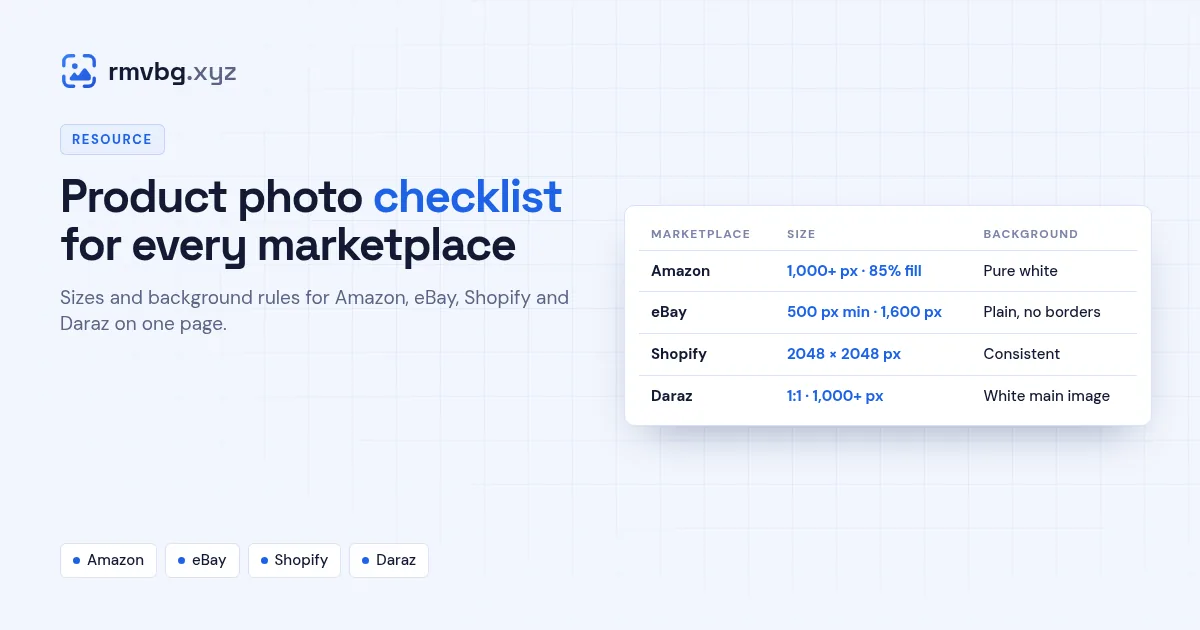
Quick answer
Amazon main images need a pure white background, the product filling about 85% of the frame and 1,000+ px. eBay needs at least 500 px (1,600 px for zoom) and no borders or text. Shopify looks best with 2048 × 2048 px squares under 20 MB. Daraz main images should be square, 1,000+ px, on white. rmvbg's Product photos tool has presets for all four, free.
The rules side by side
| Marketplace | Size | Background | Watch out for |
|---|---|---|---|
| Amazon | 1,000+ px longest side; product fills ~85% | Pure white (255, 255, 255) | Props, text, logos on the main image |
| eBay | 500 px minimum; 1,600 px for zoom | Plain, uncluttered | Borders, added text, marketing watermarks |
| Shopify | 2048 × 2048 px square; under 20 MB | Consistent across the store | Mixed shapes in collection grids |
| Daraz | Square 1:1, 1,000+ px | White main image | Grey or busy backgrounds |
Each marketplace updates its rules from time to time. These summaries come from each one's seller help pages at the time of writing — see our detailed guides for Amazon, eBay, Shopify and Daraz.
Before you upload: 8 checks
- The main photo shows only the product you're selling.
- The background is white (or plain) with no shadows cut off.
- The product is centred and fills most of the frame.
- The photo is sharp at 100% zoom.
- Colours match the real item — no heavy filters.
- No text, borders, badges or stickers on the main photo.
- File names describe the product (e.g. green-sneaker-side.jpg).
- Extra photos show details, size, the back and the product in use.
Do it in one pass
Drop all your shots into Product photos, choose the marketplace preset and download. For dozens of photos at once, use the bulk background remover and download a ZIP.