By Jahed Ahmed, Founder, rmvbg 4 min read
Quick answer
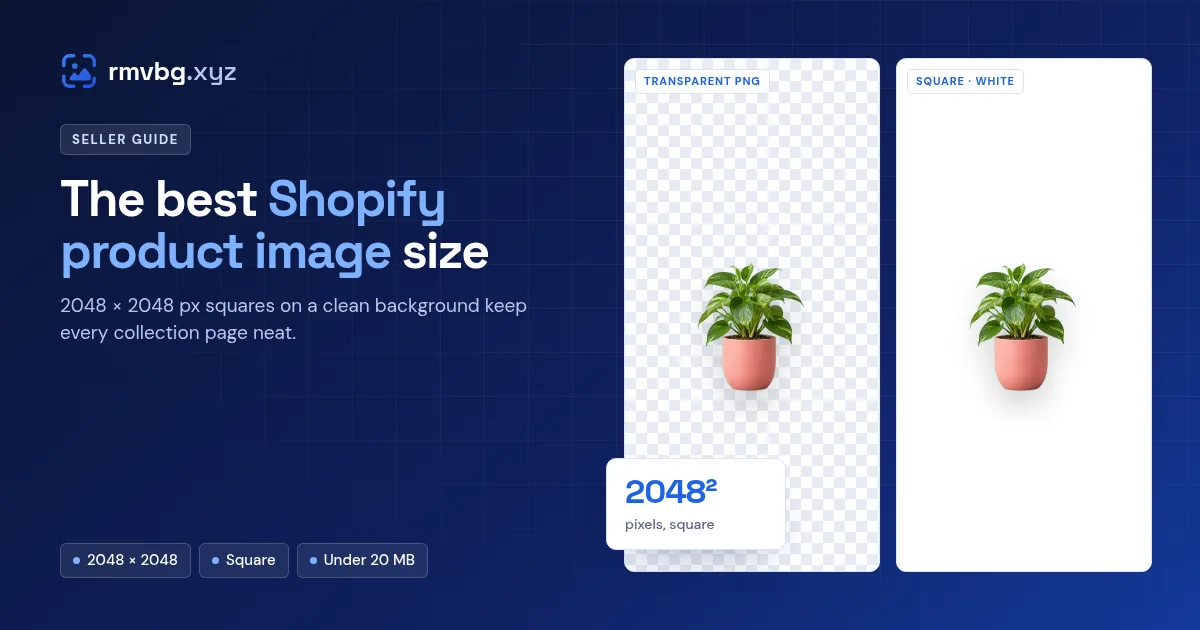
For square Shopify product photos, 2048 × 2048 pixels usually looks best. Shopify accepts images up to 5000 × 5000 px (25 megapixels) and under 20 MB, in PNG, JPEG, WebP and other formats. Use the same shape, background and product position for every photo so collection pages look tidy — rmvbg's Product photos tool does this free with a saved preset.
Shopify's image limits
| Setting | Shopify guidance |
|---|---|
| Recommended square size | 2048 × 2048 px |
| Largest size | 5000 × 5000 px (25 megapixels) |
| File size | Under 20 MB |
| Best formats | PNG, then JPEG (WebP, HEIC and others also accepted) |
From the Shopify Help Center's product media guide at the time of writing.
Why consistency matters more than size
Themes crop and line up product photos in grids. When one photo is tall, one is wide and one has a grey background, the collection looks messy. The same square shape, the same white or brand background and the same padding around the product make the whole store look professional.
Make matching Shopify photos
- Open Product photos and drop all your photos.
- Choose the Shopify preset (square) or set 2048 × 2048 yourself.
- Pick white or your brand colour, the padding and the position.
- Save it as a preset so every new product matches, then download.