By Jahed Ahmed, Founder, rmvbg 4 min read
Quick answer
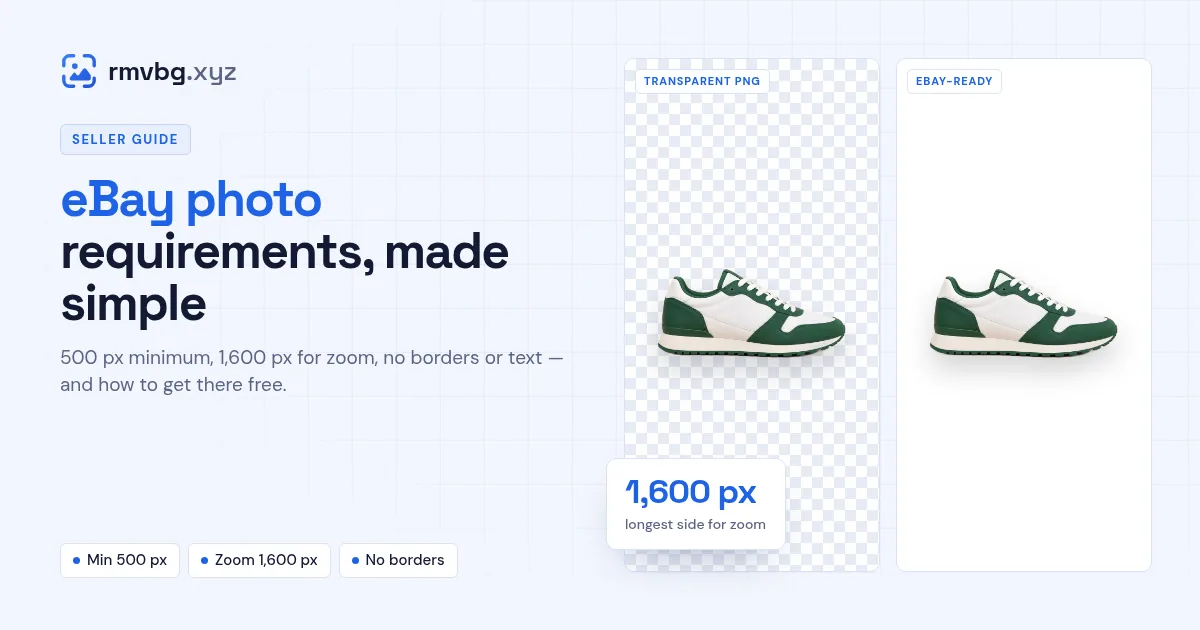
eBay listing photos must be at least 500 pixels on each side, and 1,600 pixels on the longest side is recommended so buyers can zoom. Photos must not have borders, added text or artwork, and watermarks may only show ownership. A plain, uncluttered background works best — rmvbg's Product photos tool makes a white, eBay-sized image free.
eBay's photo rules
- At least 500 pixels on each side. 1,600 pixels on the longest side lets buyers zoom.
- No borders, text or added artwork.
- Watermarks only to show ownership or attribution — not for marketing.
- Stock photos only as the main photo for brand-new, unused items.
These rules come from eBay's Seller Center photo guidelines at the time of writing; check the guide for your country and category before listing.
Make an eBay photo free
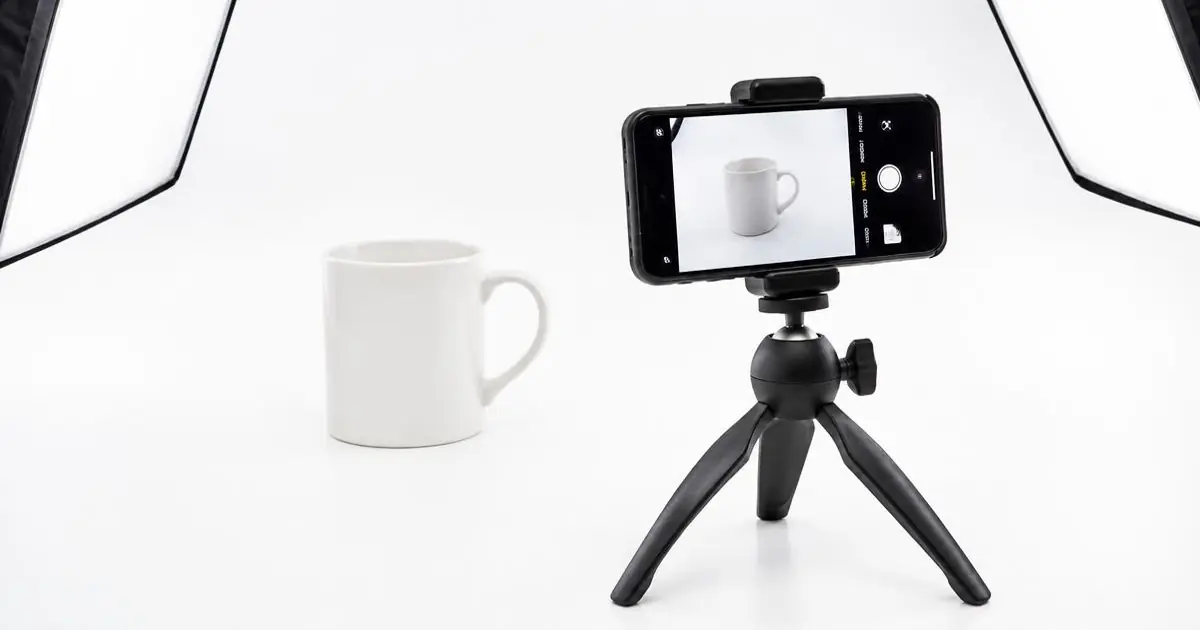
- Photograph the item on a plain surface in soft, even light, with the flash off.
- Open Product photos and drop your photos.
- Pick the eBay preset — the background is removed and replaced with white.
- Download. The image is large enough for eBay's zoom.
Common mistakes
- Adding “FREE SHIPPING” or price text on the photo.
- Coloured frames or collages as the main photo.
- Small, blurry photos that can't be zoomed.
- Busy backgrounds that hide the item's shape or condition.