By Jahed Ahmed, Founder, rmvbg 6 min read
Quick answer
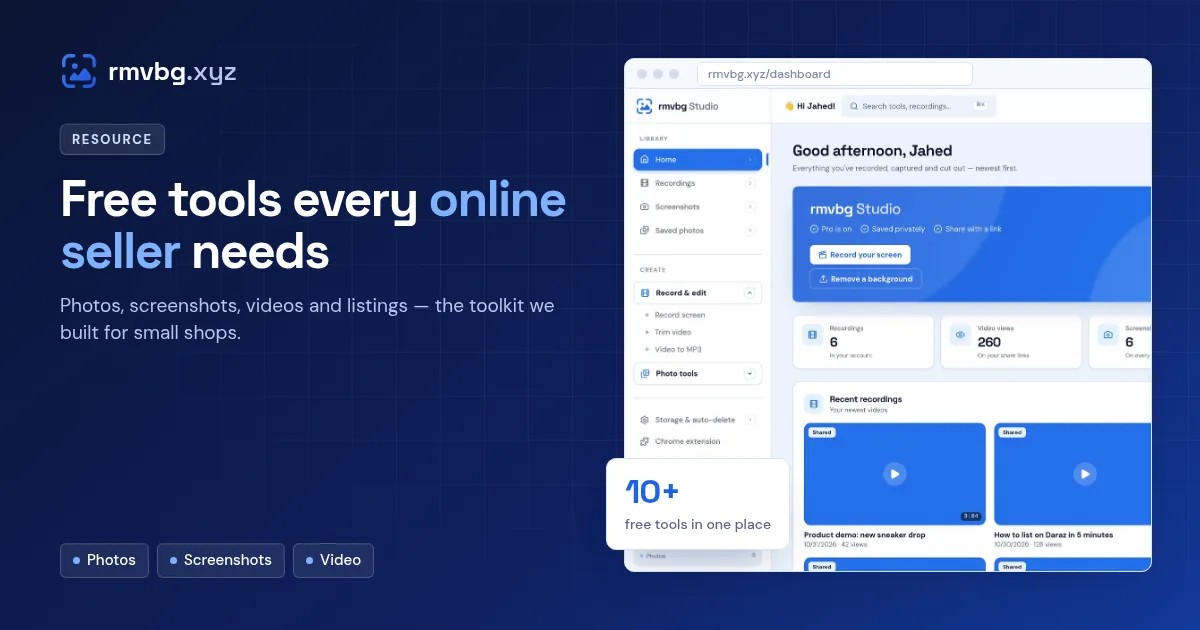
The free tools most online sellers need are a background remover for clean main images, a marketplace photo resizer, a screenshot tool with blur for supplier chats and order issues, and simple video tools. rmvbg.xyz covers these free in the browser — background removal, Product photos, a full-page screenshot editor with auto-blur, Video to MP3 and Trim video — with Pro ($3/month) for screen recording and auto-edited videos.
Photos
| Job | Free tool |
|---|---|
| Remove a background | [rmvbg background remover](/) |
| White, square marketplace photos | [Product photos](/product-photos) |
| Dozens of photos at once | [Bulk background remover](/bulk-background-remover) |
| Grab a photo from a link | [Image from link](/image-from-link) |
| New background colour | [Change background colour](/change-background-color) |
Screenshots
- Full-page screenshots of listings, competitor pages and receipts.
- The screenshot editor to point at problems with arrows and numbered steps.
- Auto-blur, so customer emails and phone numbers never end up in a shared screenshot.
- Screenshot to PDF for order records.
Video and sound
- Trim video to cut a product clip to the best part.
- Video to MP3 to save audio from your own videos, or make a smaller MP4.
- With Pro: the screen recorder for product demos and supplier walkthroughs, with auto subtitles.
When a paid tool is worth it
Pay when a tool saves you hours every week. For most small shops that's a good accounting app and, if you make videos, a recorder that edits for you. For photos and screenshots, free tools are usually enough. See for business for how sellers use rmvbg day to day.