By Jahed Ahmed, Founder, rmvbg 6 min read
Quick answer
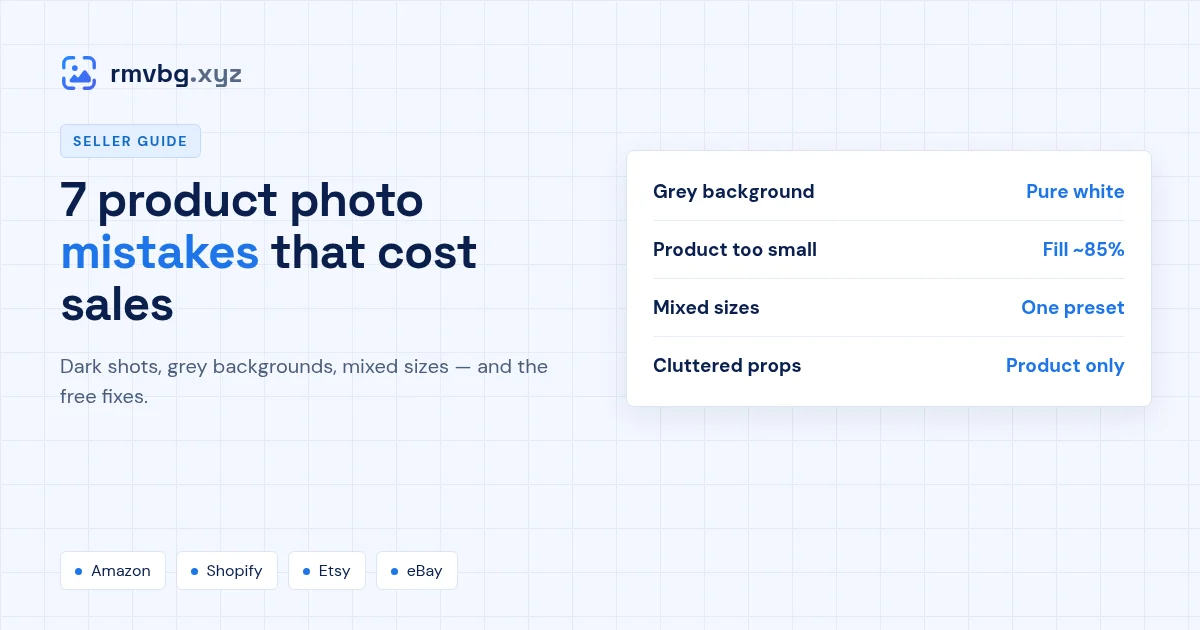
The product photo mistakes that hurt ecommerce sales most are: off-white or grey backgrounds, the product too small in the frame, dark or uneven light, mixed sizes and shapes across the store, distracting props, low resolution that breaks zoom, and only one angle. Most can be fixed without a reshoot — remove the background, place the product on pure white at about 85% of the frame and export every photo with the same preset.
1. A grey or off-white background
A phone camera turns a white wall into light grey, and marketplaces like Amazon want pure white (RGB 255, 255, 255) for the main image. Replace the background instead of brightening the whole photo — see Amazon white background.
2. The product is too small
Lots of empty space makes the product look tiny in search results. Aim for the product to fill about 85% of the frame, as Amazon asks for main images.
3. Dark or uneven light
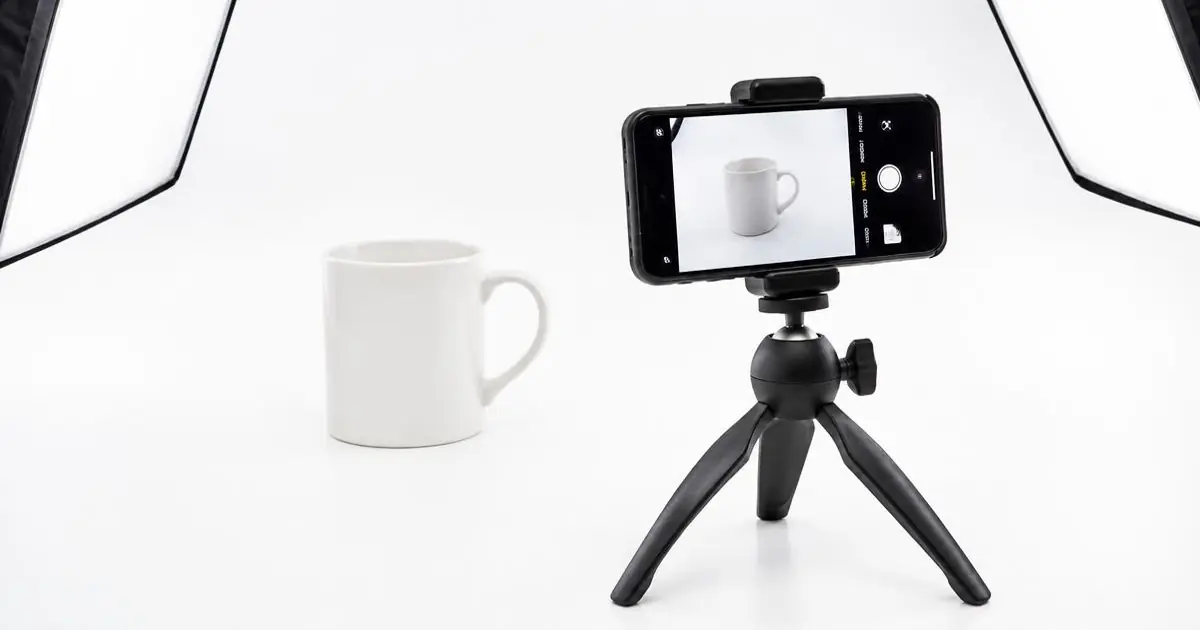
Shoot near a window in soft daylight, with a sheet of white card opposite to fill in shadows. Avoid the built-in flash — it causes glare and hard shadows.
4. Every photo is a different size
Mixed shapes make collection pages jump around. Pick one canvas — for example 2000 × 2000 px — and use it for every product. Make every product photo consistent shows how.
5. Props in the main image
Keep the first image to the product for sale only. Save lifestyle shots and props for the secondary images — see Amazon main vs secondary images.
6. Too small for zoom
Shoppers zoom to check quality. Amazon enables zoom from 1,000 px on the longest side; Etsy recommends at least 2,000 px. Export at full resolution and never upscale a tiny photo.
7. Only one angle
Show the front, back, side, a close-up of the material and the product in use. Amazon recommends at least six images plus a video at the time of writing.