By Jahed Ahmed, Founder, rmvbg 5 min read
Quick answer
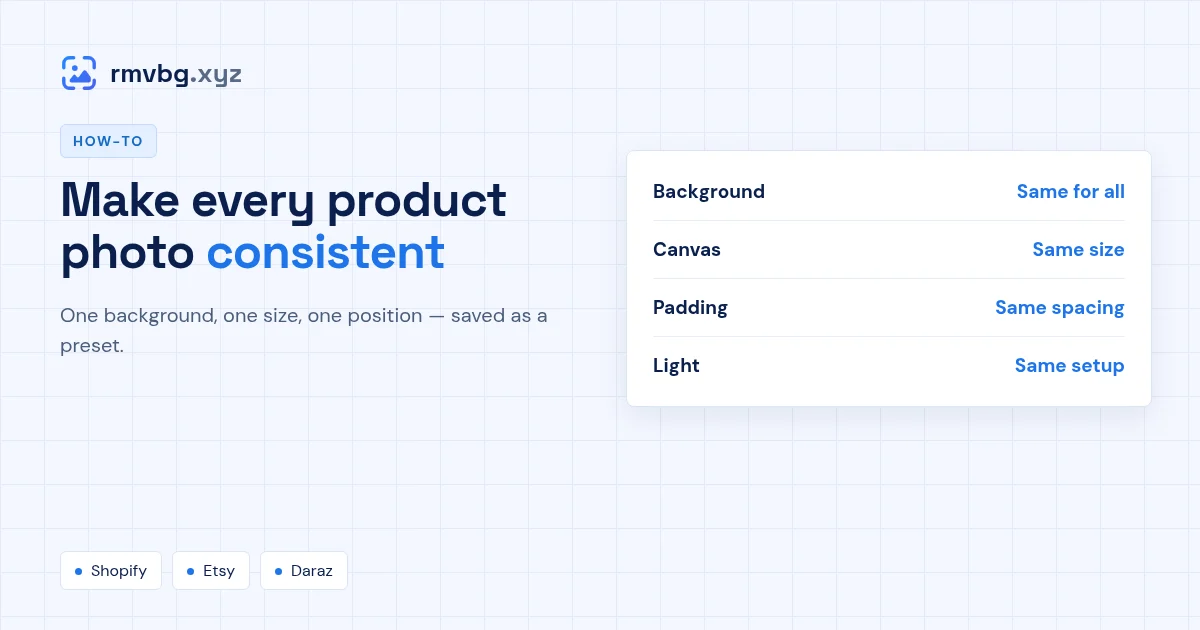
To make product photos consistent, use the same background, the same canvas size and shape, the same padding and position, and the same lighting setup for every product. The easiest way is to shoot all products in one spot, then run every photo through one saved preset — rmvbg's Product photos tool removes each background and applies the same size, colour and spacing automatically.
The four things to keep the same
| What | Why it matters | How |
|---|---|---|
| Background | Mixed backgrounds look like different shops | Replace it with white or one brand colour |
| Canvas size | Mixed shapes make grids jump | One square, e.g. 2048 × 2048 px for Shopify |
| Padding and position | Products look different sizes | Same fill and alignment in every photo |
| Light | Colours shift between photos | Same window, same time of day, no flash |
Set it up once
- Open Product photos and pick a marketplace preset, or set your own canvas.
- Choose the background and padding, then save it as your store preset.
- Run every new product through the same preset — old and new photos will match.
Selling on Shopify? See Shopify product images for the size that looks right in every theme.