By Jahed Ahmed, Founder, rmvbg 5 min read
Quick answer
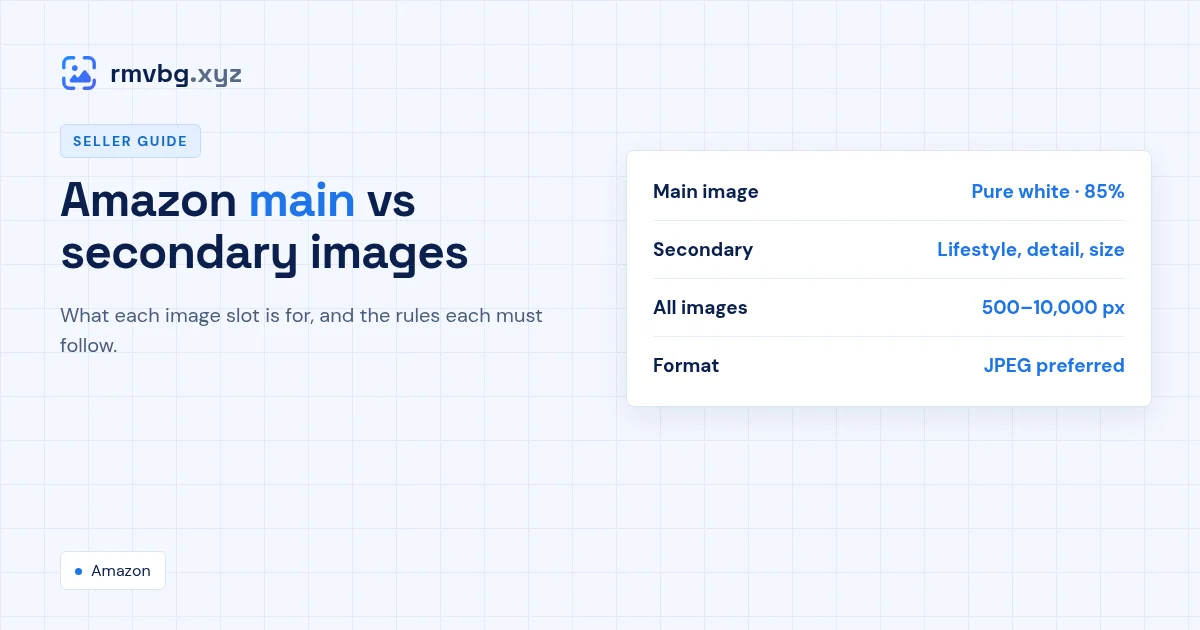
On Amazon, the main image is the photo shown in search results: it must show only the product for sale on a pure white background (RGB 255, 255, 255), filling about 85% of the frame, with no text, logos or props. Secondary images appear on the product page and can show the product in use, close-up details, size, packaging and features. All images must be 500–10,000 px on the longest side, ideally 1,000 px or more for zoom.
Side by side
| Main image | Secondary images | |
|---|---|---|
| Where it shows | Search results and the top of the page | Product page gallery |
| Background | Pure white (RGB 255, 255, 255) | Any — white, lifestyle or a setting |
| What's allowed | Only the product for sale | Use, details, size, packaging, infographics |
| Text and logos | Not allowed | Allowed where it explains the product |
| Size | 500–10,000 px, 1,000+ for zoom | Same |
What to put in each secondary slot
- Another angle (back or side) on white.
- A close-up of the material, texture or finish.
- The product in use — a lifestyle photo.
- Size: next to a hand or a common object, or a labelled diagram.
- Key features as a simple infographic.
- What's in the box.
Amazon recommends at least six images and a video at the time of writing. Rules differ by category, so check Seller Central before you upload — full details are on Amazon product image requirements.
Make the main image in a minute
Drop your best front-facing shot into Product photos, choose the Amazon preset (2000 × 2000 px, pure white, product at about 85%) and download the JPG.