By Jahed Ahmed, Founder, rmvbg 4 min read
Quick answer
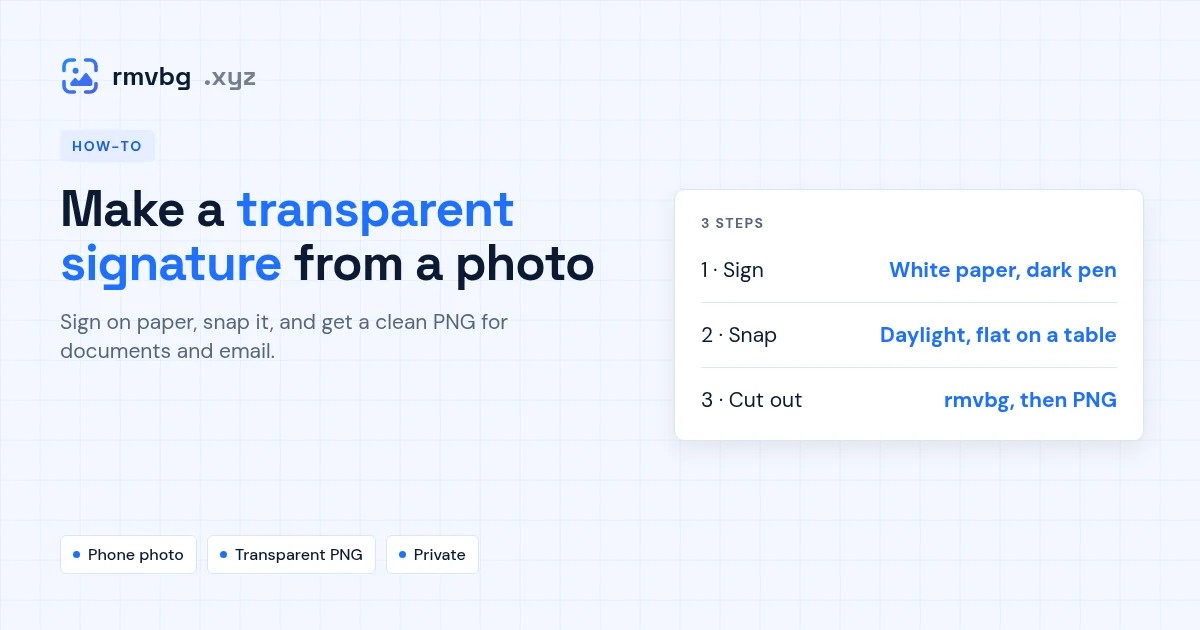
Sign with a dark pen on plain white paper, take a straight photo in good light, then open rmvbg's signature background remover: it removes the paper and leaves only the ink, and you download a transparent PNG to place on PDFs, Word documents or email. The photo is processed on your own device, which matters for something as personal as a signature.
1. Sign for a clean cut-out
- Use plain white paper with no lines, and a black or dark-blue pen.
- Sign a little bigger than usual — it stays sharp when you shrink it.
- Sign two or three times and keep the best one.
2. Take the photo
- Lay the paper flat by a window in daylight; avoid your own shadow.
- Hold the phone straight above the paper and fill the frame with the signature.
3. Remove the paper
Open the signature background remover and drop the photo in. The paper and shadows are removed, leaving the ink on a transparent background. Download the PNG and insert it like any picture.