By Jahed Ahmed, Founder, rmvbg 4 min read
Quick answer
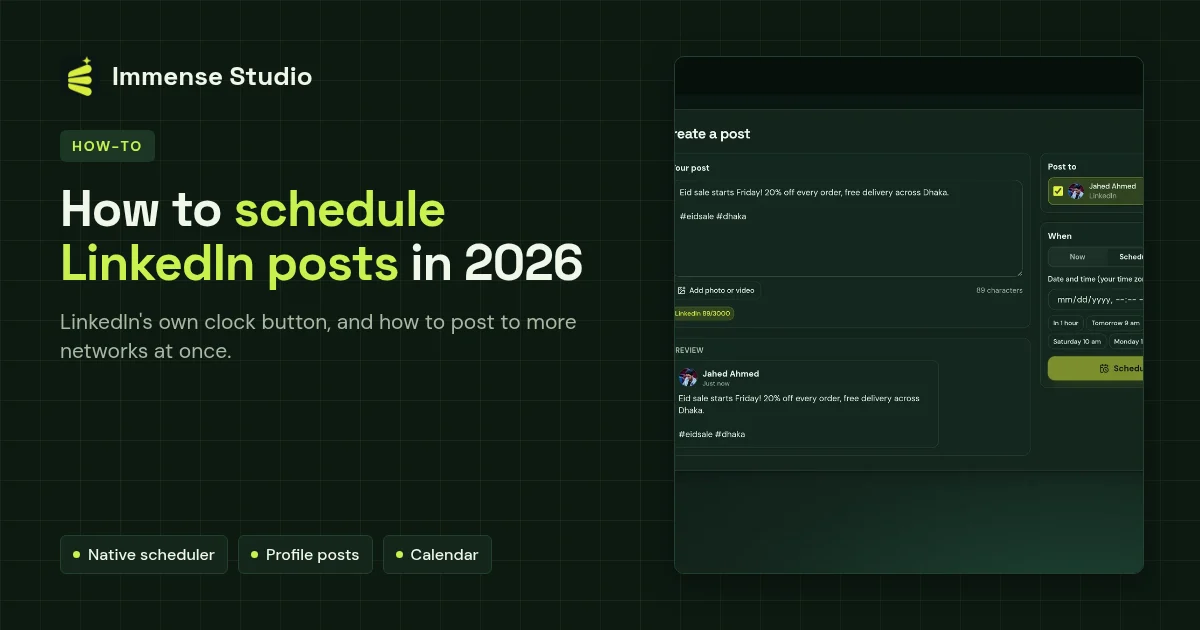
To schedule a LinkedIn post: click Start a post, write it, press the clock icon at the bottom right, pick a date and time, press Next and then Schedule. At the time of writing LinkedIn allows 10 minutes to 3 months ahead for a personal profile, and 1 hour to 3 months for a Page (you need to be a super or content admin). To send the same post to Facebook, YouTube, Bluesky and others at the same time, schedule it once in Immense Studio.
Schedule on LinkedIn itself
- On your feed (or your Page's admin view) click Start a post.
- Write your post and add images or a document if you like.
- Click the clock icon at the bottom right.
- Pick the date and time, then press Next.
- Check the post and press Schedule.
Post to LinkedIn and other networks at once
- In Immense Studio press Add new channel → LinkedIn and log in.
- Add your other channels — Facebook Pages, YouTube, Threads, Bluesky, Mastodon or Discord.
- Write once, tick LinkedIn and the others, and choose a time.