By Jahed Ahmed, Founder, rmvbg 6 min read
Quick answer
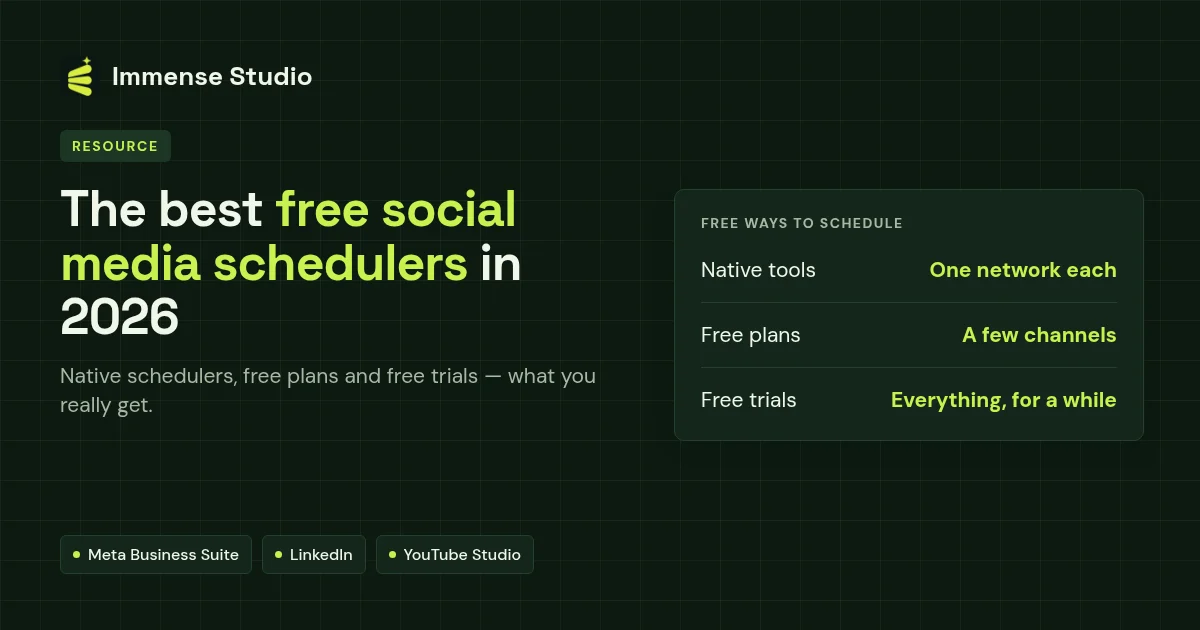
The truly free ways to schedule are each network's own tools — Meta Business Suite for Facebook Pages, LinkedIn's built-in scheduler and YouTube Studio — plus free plans such as Buffer's (3 channels, 10 queued posts each) and Later's, at the time of writing. If you want one calendar for every channel without limits for a while, try a free trial such as Immense Studio's 14 days with no card; after that it is $3 a month.
Three kinds of free
| Kind | Examples | The catch |
|---|---|---|
| Native schedulers | Meta Business Suite, LinkedIn, YouTube Studio | One network per app; no shared calendar |
| Free plans | Buffer (3 channels), Later | Channel or post limits |
| Free trials | Immense Studio (14 days, no card), Hootsuite (14 days), Sprout Social (30 days) | Time-limited |
How far ahead the native tools let you schedule
- Facebook Page in Meta Business Suite: 20 minutes to 29 days ahead, at the time of writing.
- LinkedIn: up to 3 months ahead (Pages need at least 1 hour).
- YouTube Studio: any future date, with a time zone.
Our pick for small businesses
Start with the native tools if you only post to one or two networks. Once you are copying the same post into three or more apps, a shared calendar saves real time — Immense Studio is free for 14 days with no card, then part of rmvbg Pro at $3 a month for all channels.