By Jahed Ahmed, Founder, rmvbg 5 min read
Quick answer
You can edit product photos without Photoshop in four steps: remove the background automatically, place the product on white or a brand colour, resize it to your marketplace's size with even padding, and export full-resolution JPG or PNG files. rmvbg's Product photos tool does all four free in the browser, for one photo or a whole batch, with no account or watermark.
What 'editing' really means for sellers
Most product photos don't need retouching — they need a clean background, the right size and the same look as the rest of the store. Those jobs are automatic now.
The four-step workflow
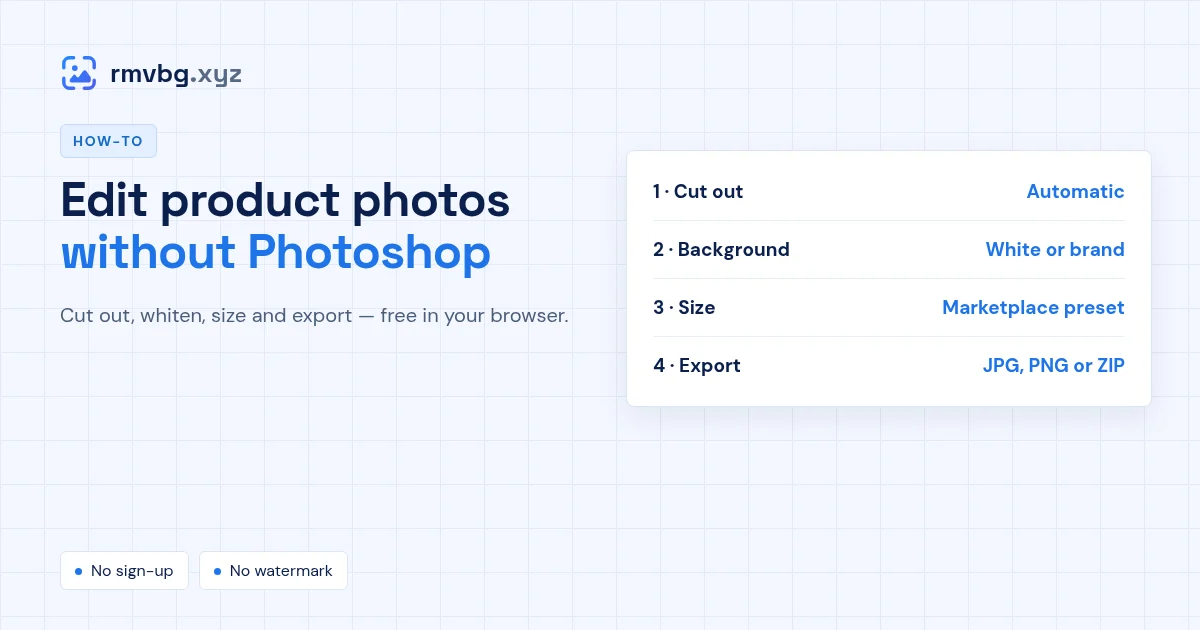
- Cut out: drop your photos into Product photos; the background is removed on your device.
- Background: keep it transparent for designs, pure white for marketplaces, or pick a brand colour.
- Size: choose Amazon, Shopify, eBay, Etsy or Daraz, or set your own canvas, padding and position.
- Export: download JPG or PNG with the size in the file name, or every photo in one ZIP.
When you still want a full editor
Banners, ads and heavy retouching (removing scratches or reflections) are still jobs for a design tool. For everyday listing photos, an ecommerce product photo editor is faster.