By Jahed Ahmed, Founder, rmvbg 5 min read
Quick answer
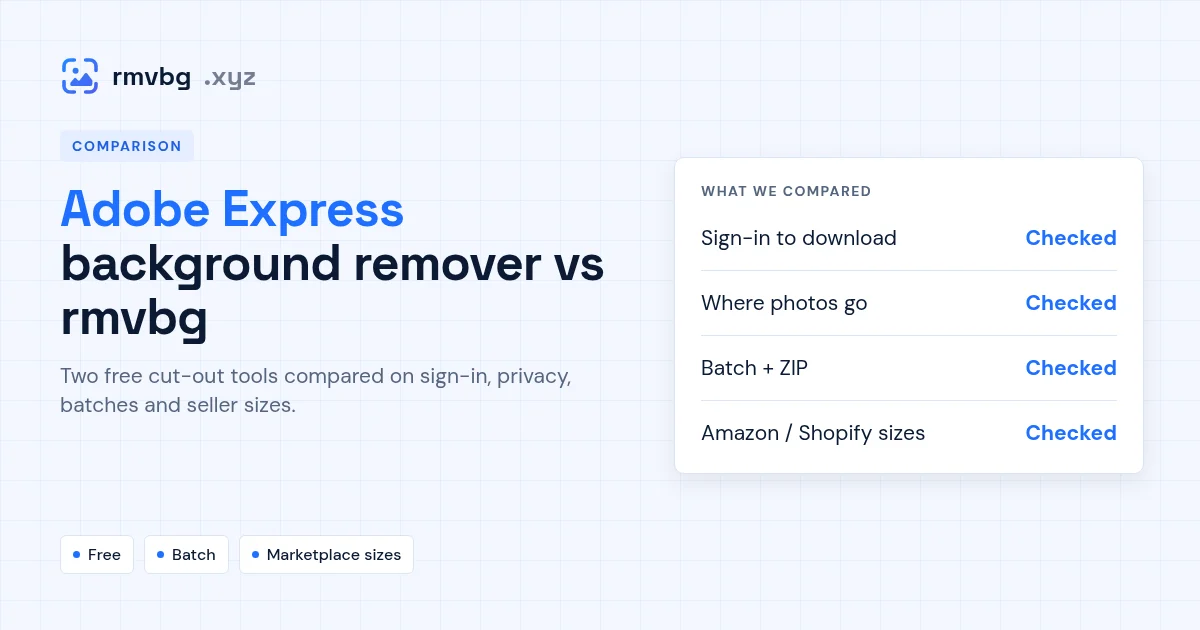
At the time of writing, Adobe's free background-remover page opens in Adobe Firefly: removal is free with an Adobe account and comes with a daily allowance of free generations, with unlimited use on a paid Firefly plan. rmvbg needs no account, is free for 3 photos a day (unlimited with Pro at $3 a month), removes the background on your own device, handles many photos at once with a ZIP download and has Amazon, eBay, Shopify, Etsy and Daraz sizes. Pick Adobe if you already design in Adobe's apps; pick rmvbg for quick, private, bulk product photos.
Adobe's background remover at the time of writing
The Adobe Express background-remover link now shows Adobe Firefly. Adobe says removal is free with an Adobe account and includes free daily generations; unlimited use needs a paid Firefly plan. You upload an image and download a transparent PNG, and you can keep designing in Adobe's tools.
Side by side
| Adobe (Firefly) | rmvbg | |
|---|---|---|
| Price to start | Free with an Adobe account, daily allowance | Free for 3 photos a day; Pro $3/month unlimited |
| Account needed | Yes, an Adobe account | No |
| Where the photo goes | Uploaded to Adobe's website | Stays on your device |
| Many photos at once | Not stated on the page | [Batch + ZIP](/bulk-background-remover) |
| Marketplace sizes | Not stated on the page | [Amazon, eBay, Shopify, Etsy, Daraz presets](/product-photos) |
| After the cut-out | Keep designing in Adobe's tools | White, a colour or a photo behind it |
Adobe details were checked on adobe.com at the time of writing; exact daily limits were not stated on the page, so check your Adobe account for the current allowance.
Which to choose
- Choose Adobe if you are already in Adobe's apps and want to keep editing a design.
- Choose rmvbg if you want no account, photos that never leave your computer, or (with Pro) a whole folder of product photos done in one go.