By Jahed Ahmed, Founder, rmvbg 3 min read
Quick answer
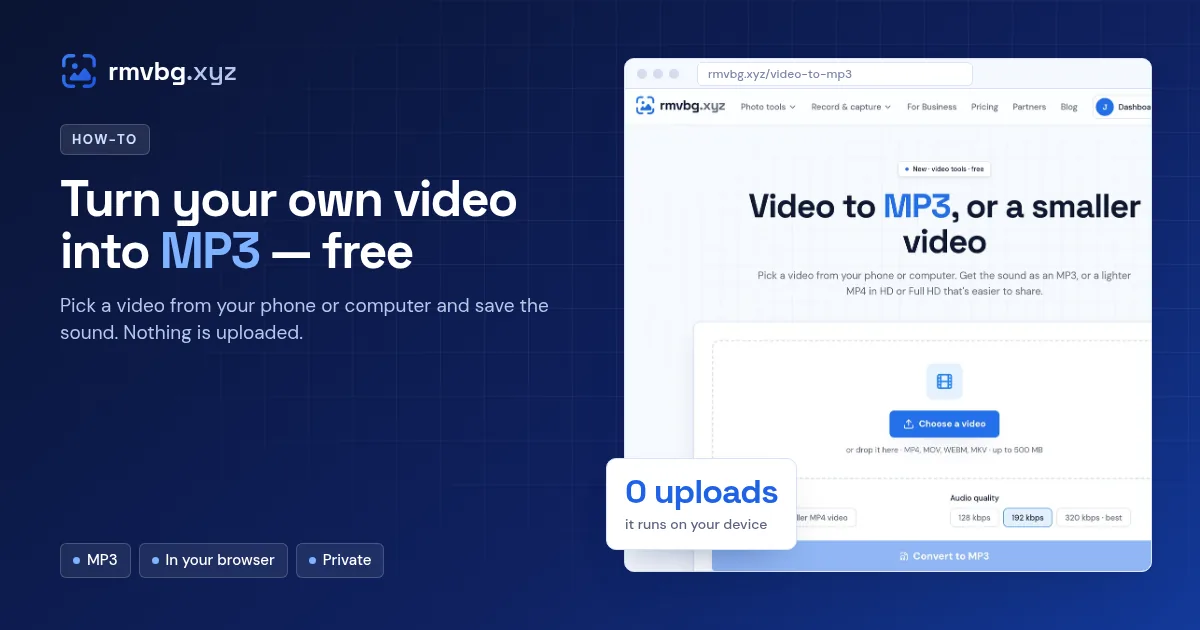
To turn your own video into MP3, open rmvbg.xyz/video-to-mp3, choose a video file (such as MP4, MOV or WebM), pick an audio quality and press Convert. It runs in your browser, so nothing is uploaded, and it's free. You can also make a smaller 720p or 1080p MP4 from the same page.
Steps
- Open Video to MP3.
- Choose a video from your phone or computer.
- Pick MP3 and a quality (higher kbps = better sound, bigger file).
- Press Convert and download the MP3.
Good uses
- Save the audio of your own talk, lesson or podcast recording.
- Send a voice note or interview without the large video file.
- Make a smaller video for WhatsApp or email with the Smaller MP4 option.
rmvbg converts files you already have. It doesn't download videos from YouTube or other sites — only use files you own or have permission to use.