By Jahed Ahmed, Founder, rmvbg 3 min read
Quick answer
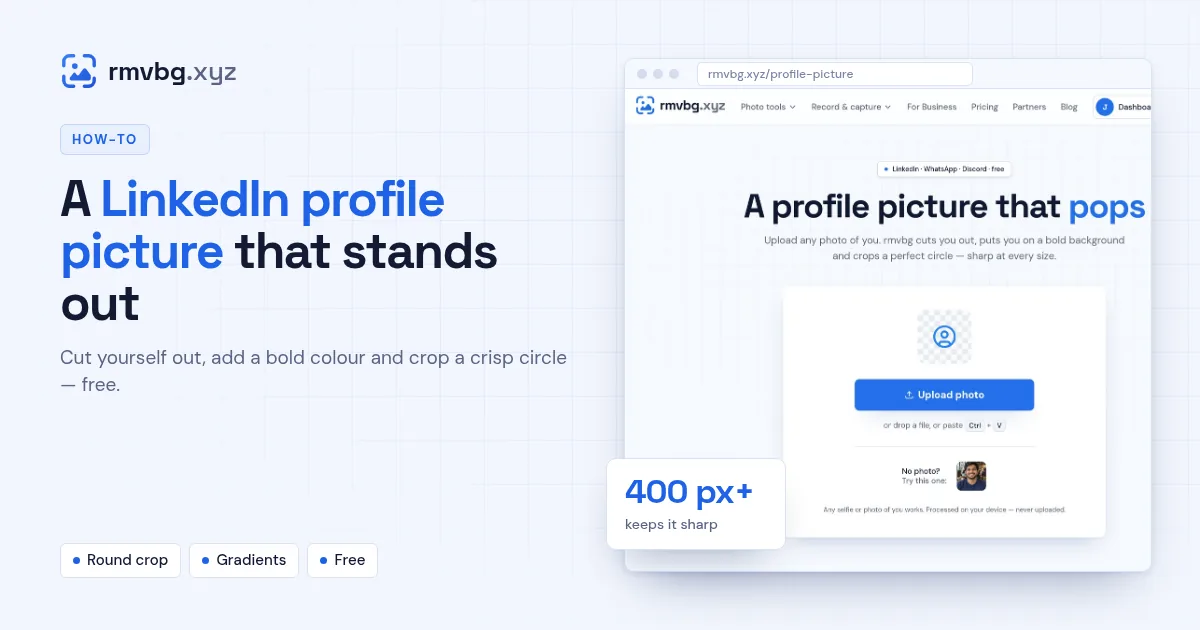
To make a LinkedIn profile picture that stands out, upload a clear photo of your face to rmvbg's Profile picture tool. It removes the background, puts you on a bold colour or gradient and crops a round, high-resolution image. Download it and upload it to LinkedIn — at least 400 × 400 pixels keeps it sharp.
Steps
- Open Profile picture and upload or paste a photo.
- Wait while the background is removed.
- Pick a colour or gradient that suits your brand.
- Adjust the crop so your face fills most of the circle, then download.
What makes a good profile photo
- Your face takes up most of the frame; shoulders up.
- Soft light from a window, facing you.
- A recent photo that looks like you today.
- A simple background — a solid colour works better than a busy room.
- At least 400 × 400 pixels so it isn't blurry.