By Jahed Ahmed, Founder, rmvbg 3 min read
Quick answer
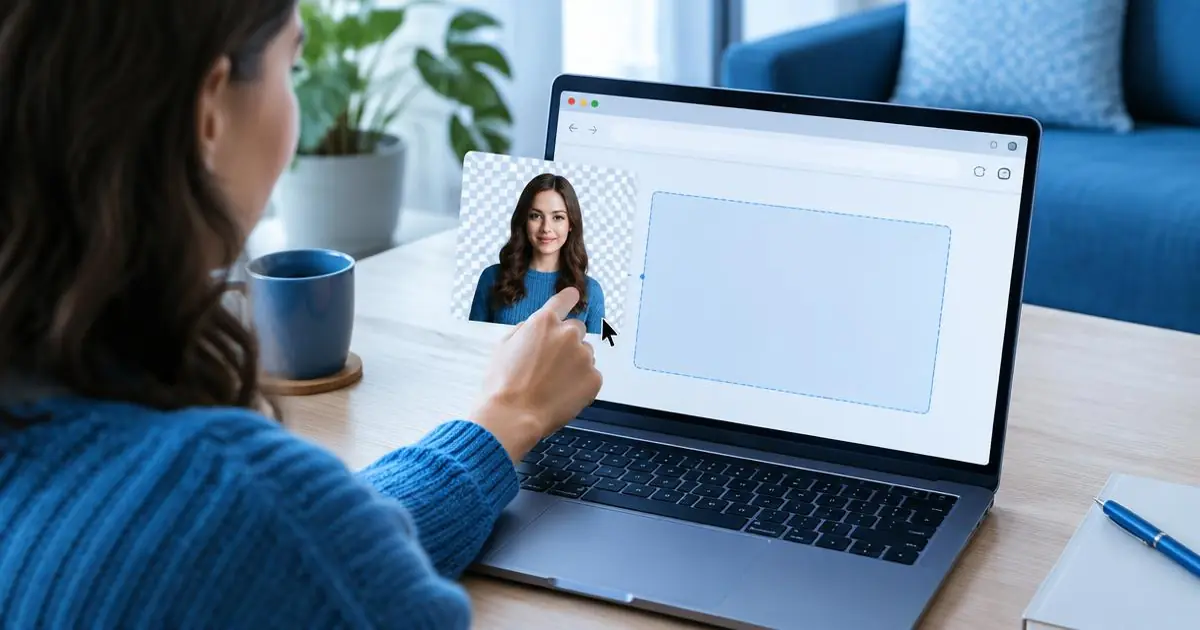
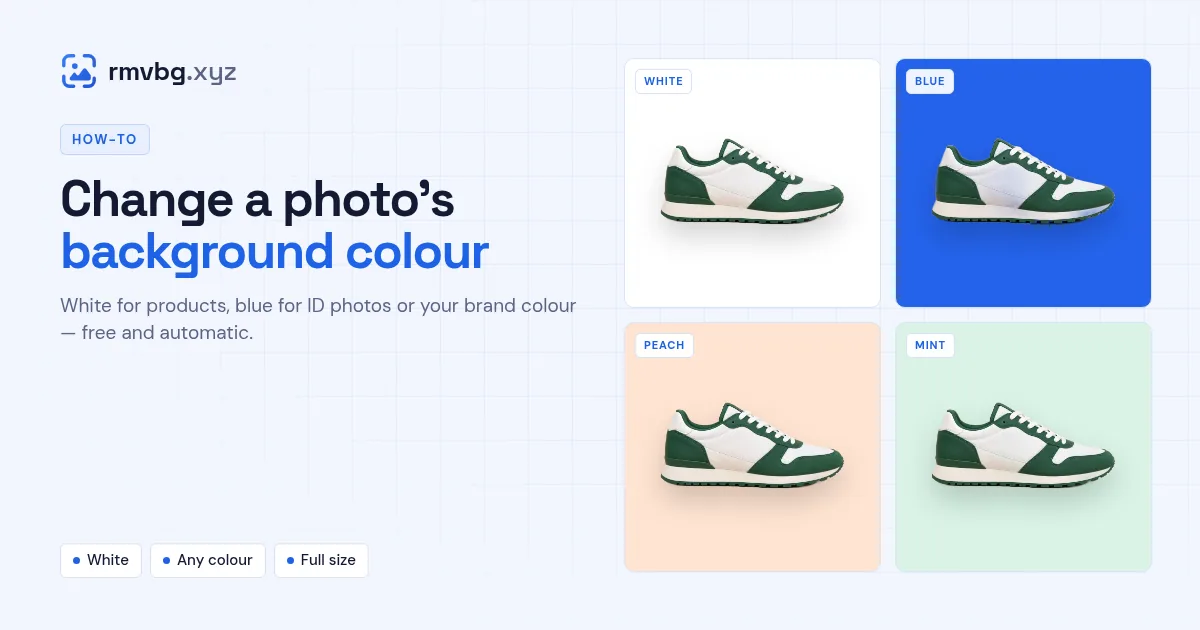
To change a photo's background colour, drop it on rmvbg.xyz. The background is removed automatically on your device; then choose white, blue, any custom colour or a photo as the new background and download the full-resolution result. Use Product photos for marketplace sizes and Passport photo for ID backgrounds.
Steps
- Open Change background colour and add your photo — drop, paste with Ctrl+V or paste a link.
- Wait a few seconds while the background is removed.
- Pick a colour: white, blue, a custom colour from the picker, or upload a photo.
- Download the finished picture.
Which colour to use
| Use | Colour |
|---|---|
| Marketplace main image | Pure white |
| Passport or ID photo | White or light blue, depending on the country — use [Passport photo](/passport-photo) |
| Profile picture | A bold colour or gradient — use [Profile picture](/profile-picture) |
| Social posts and ads | Your brand colour |