By Jahed Ahmed, Founder, rmvbg 3 min read
Quick answer
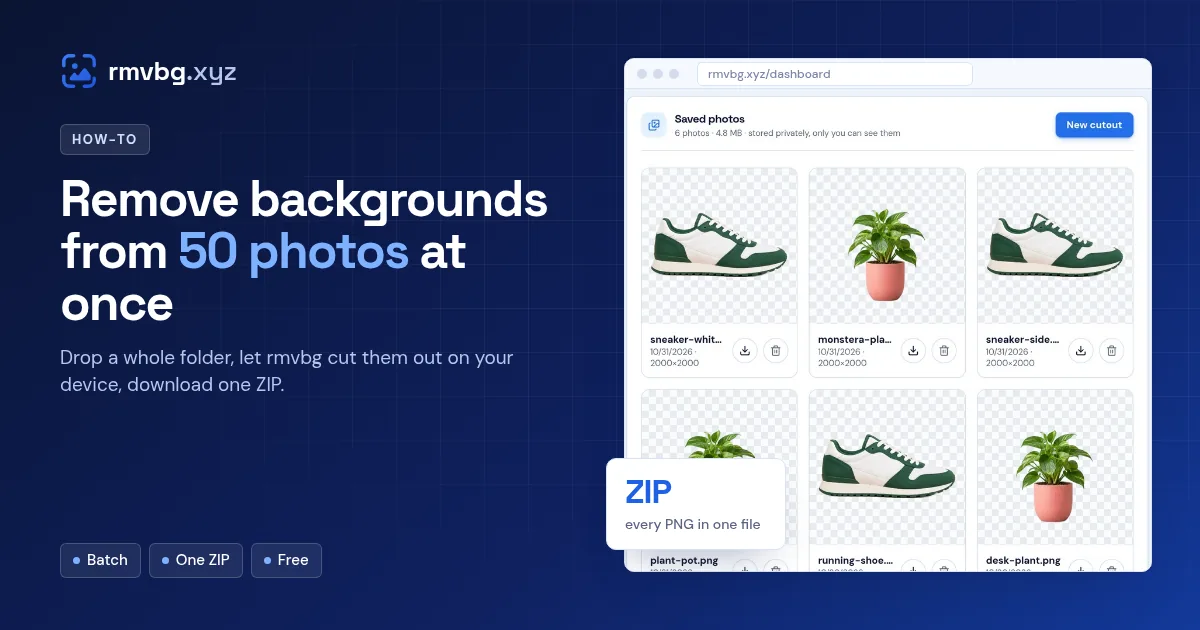
To remove backgrounds in bulk, open rmvbg.xyz and drop all your photos at once (or select a whole folder). Each photo is cut out on your device, one after another. Pick transparent, white or a colour for all of them, then press Download all to get one ZIP of full-resolution files — free, with no credits or account.
Steps
- Open the bulk background remover.
- Select all your photos, or drag a folder's worth onto the page.
- Wait while each one is cut out — you can watch them finish in the list.
- Choose a background for all: transparent, white or any colour.
- Press Download all for a ZIP, or download photos one by one.
Tips for big batches
- The first photo takes longer while the AI model loads; after that it's quick.
- Keep the tab open until the batch finishes.
- A desktop computer is fastest; phones work too but take longer on huge photos.
- Sign in to keep your best cutouts in your account as saved photos.
Why it's free
The cutting-out runs in your own browser, so there's no server cost per photo — which is why rmvbg has no credits. It also means your photos are not uploaded.