By Jahed Ahmed, Founder, rmvbg 5 min read
Quick answer
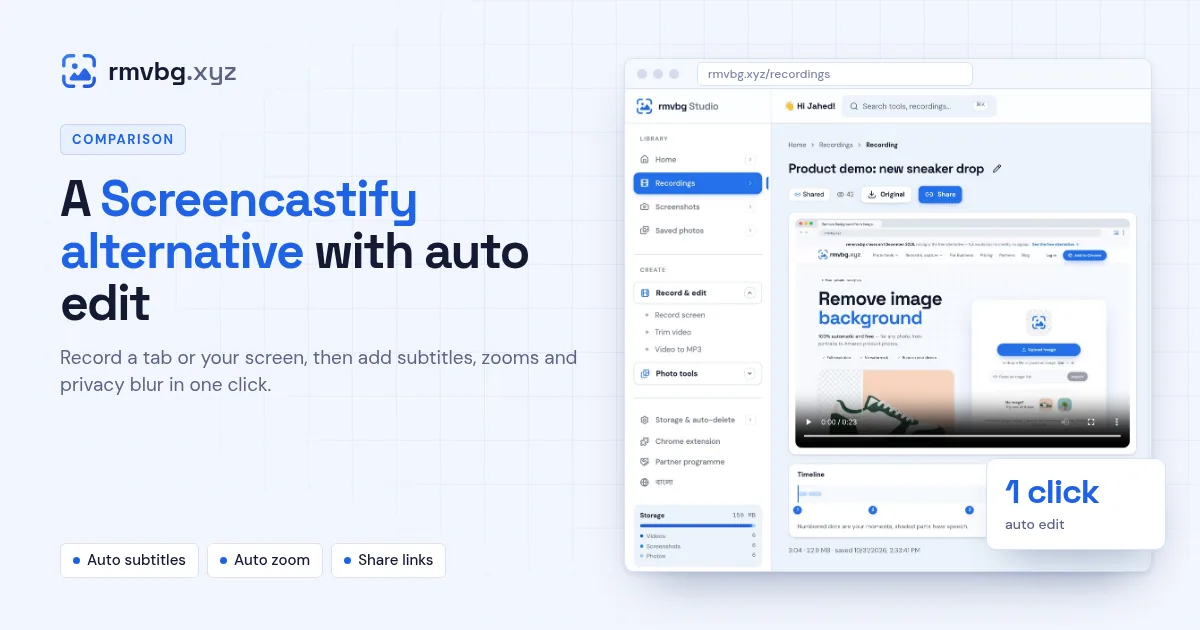
If you record tutorials or demos in Chrome and want them edited for you, rmvbg Recorder Studio is a Screencastify alternative: record a tab, window or screen with camera and mic, then press Auto edit to cut pauses, add subtitles, zoom in on clicks and blur private details, and share a link with comments. It is part of rmvbg Pro at $3/month or ৳199. At the time of writing, Screencastify's free plan allows 10 videos of up to 30 minutes with a watermark.
Screencastify's free plan at the time of writing
Screencastify is a Chrome screen recorder used widely in schools. Its pricing page lists a Free plan with up to 10 videos, recordings up to 30 minutes and a Castify watermark. Paid plans add unlimited videos, longer recordings and AI captions.
What rmvbg Recorder Studio adds
- Screen recorder for a tab, window or full screen, with a movable camera bubble and mic.
- Choose the shape first: 16:9 for YouTube, 9:16 for Shorts and Reels, square or 4:5.
- One-click Auto edit in the video editor: pause cuts, auto subtitles, auto zoom and privacy blur.
- Remove filler words like “um” and “uh”, and press M to make YouTube chapters.
- Share links with timed comments, which you can switch off or let expire.
Side by side
| Screencastify Free | rmvbg Pro | |
|---|---|---|
| Price | Free | $3/month, $24.99/year or $49 lifetime (৳199 / ৳999 / ৳2,999) |
| Videos | Up to 10 | Saved to your Studio account |
| Recording length | Up to 30 minutes | Longer recordings |
| Auto subtitles, zoom and blur | Paid plans for captions | Included |
Screencastify details were checked on screencastify.com/pricing at the time of writing.
Who it suits
Sellers recording product demos, support teams answering questions with a video, coaches and creators who post to YouTube, Shorts and Reels. Teachers who rely on classroom integrations may still prefer Screencastify. Compare it with Loom too in our Loom alternative guide.